
FAQ
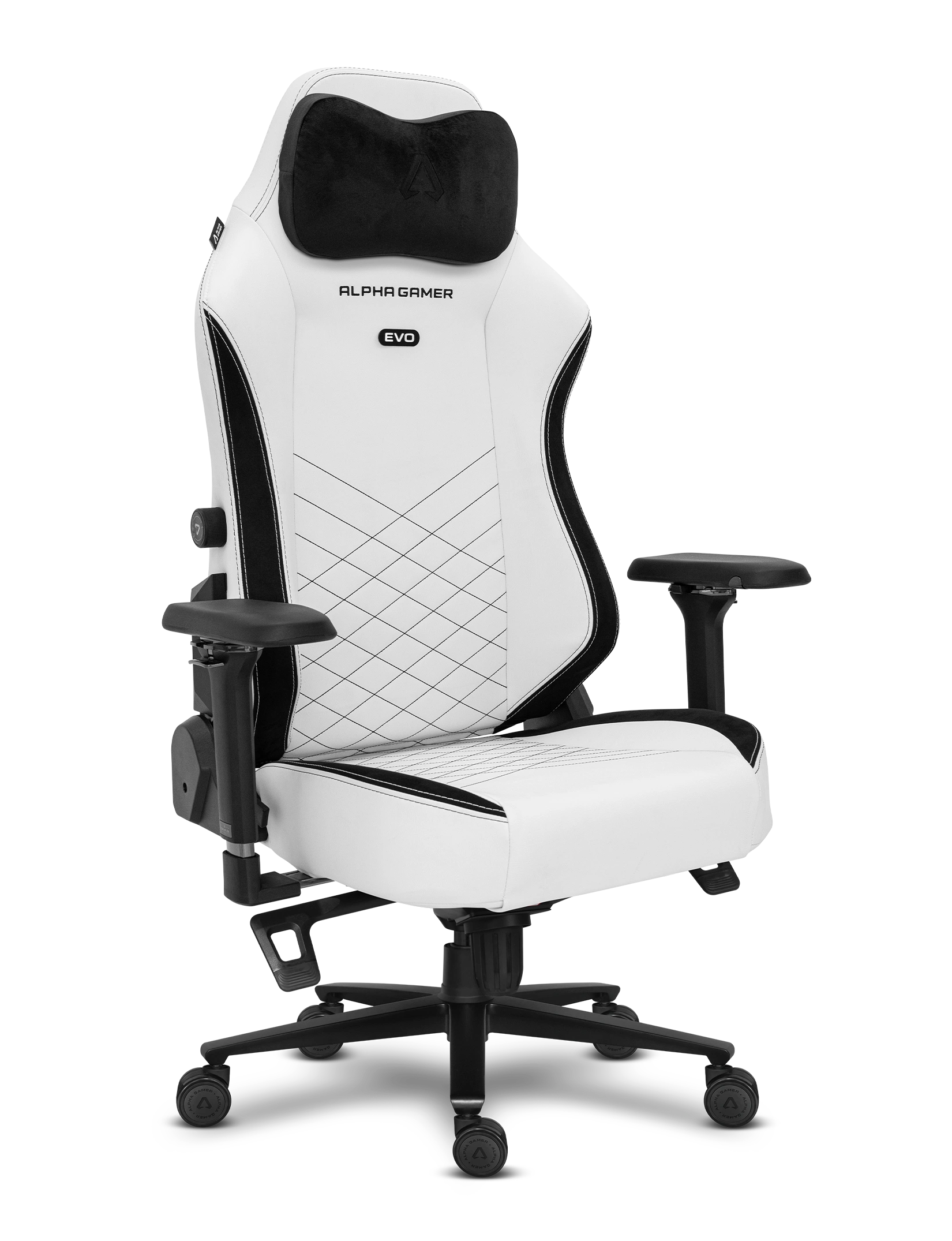
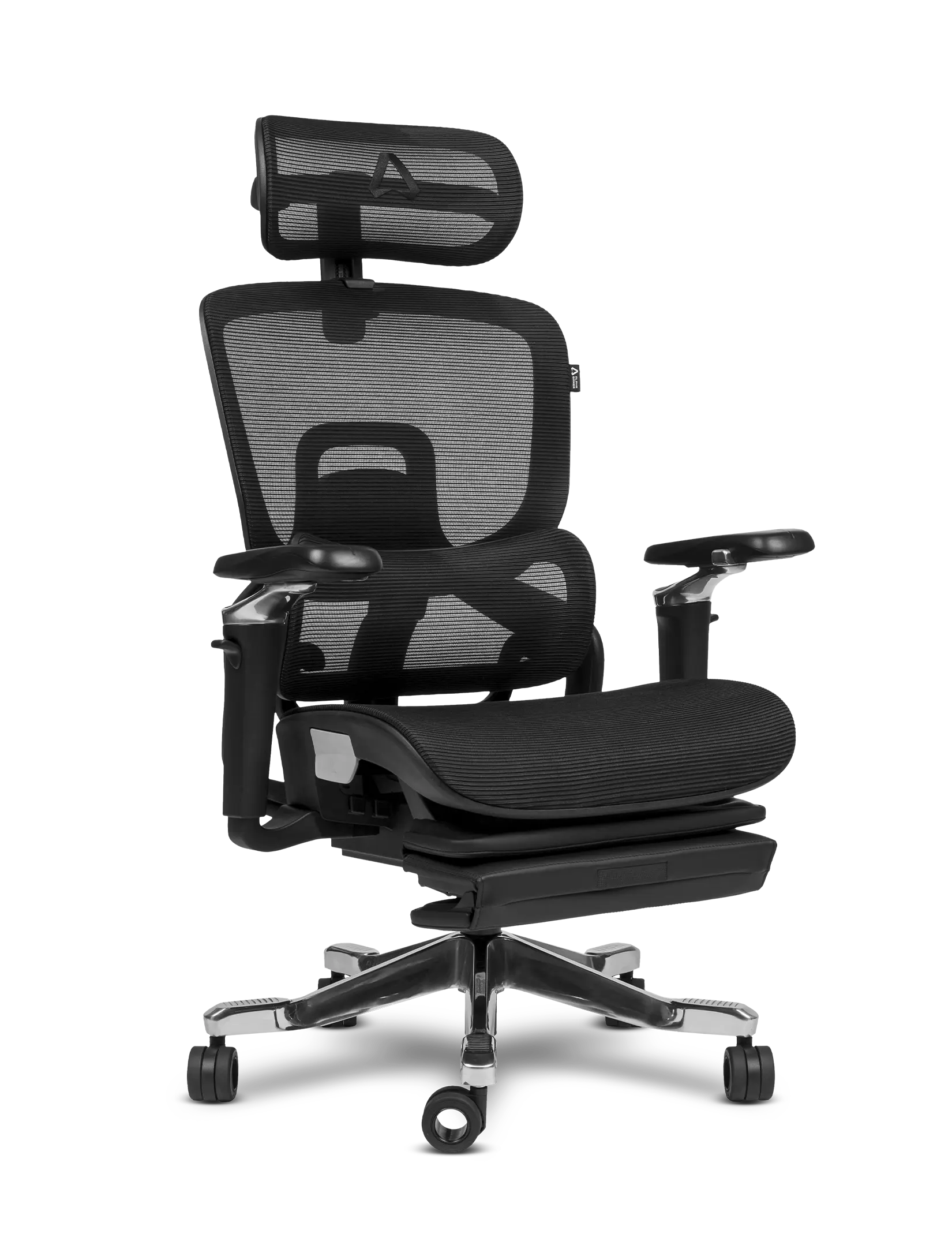
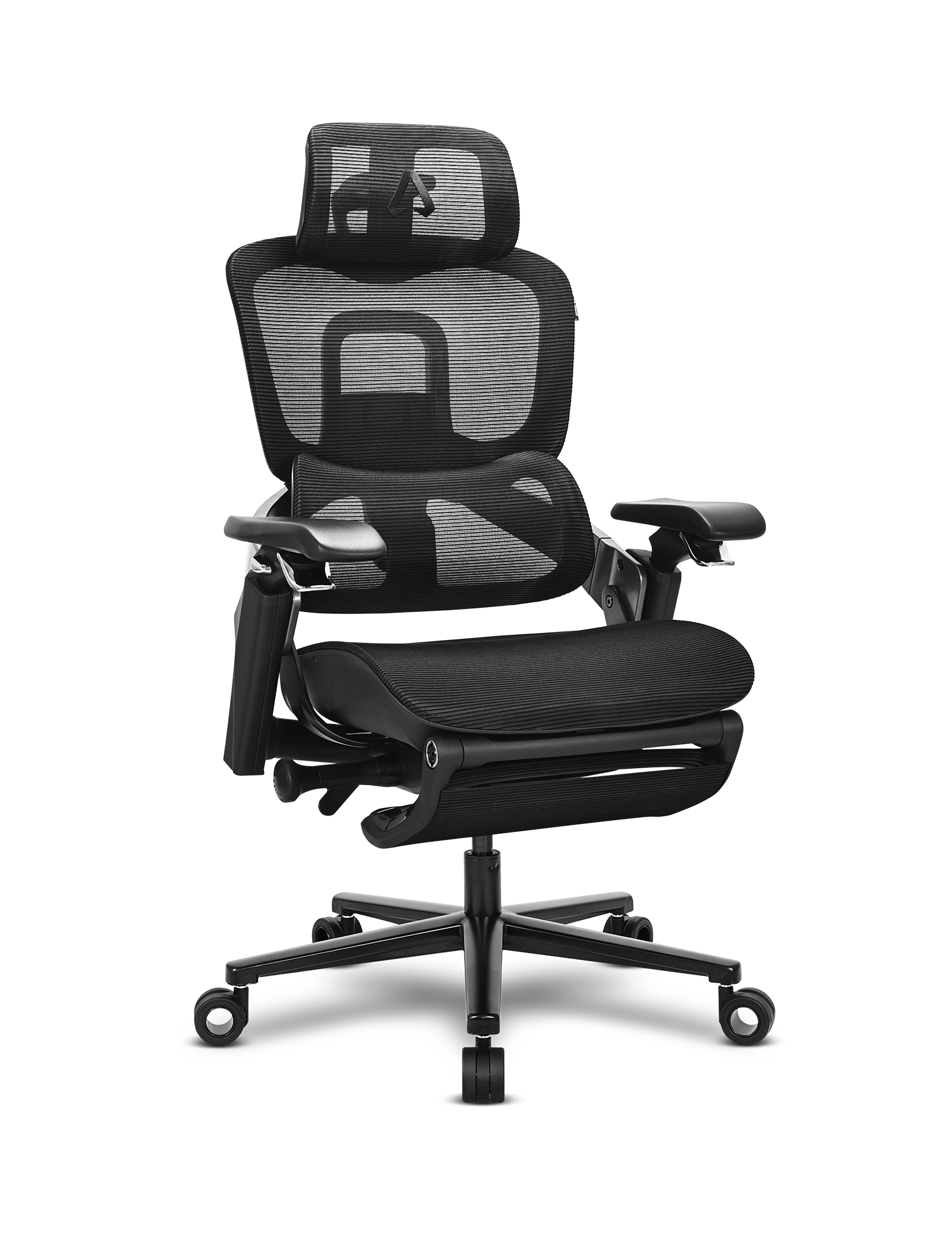
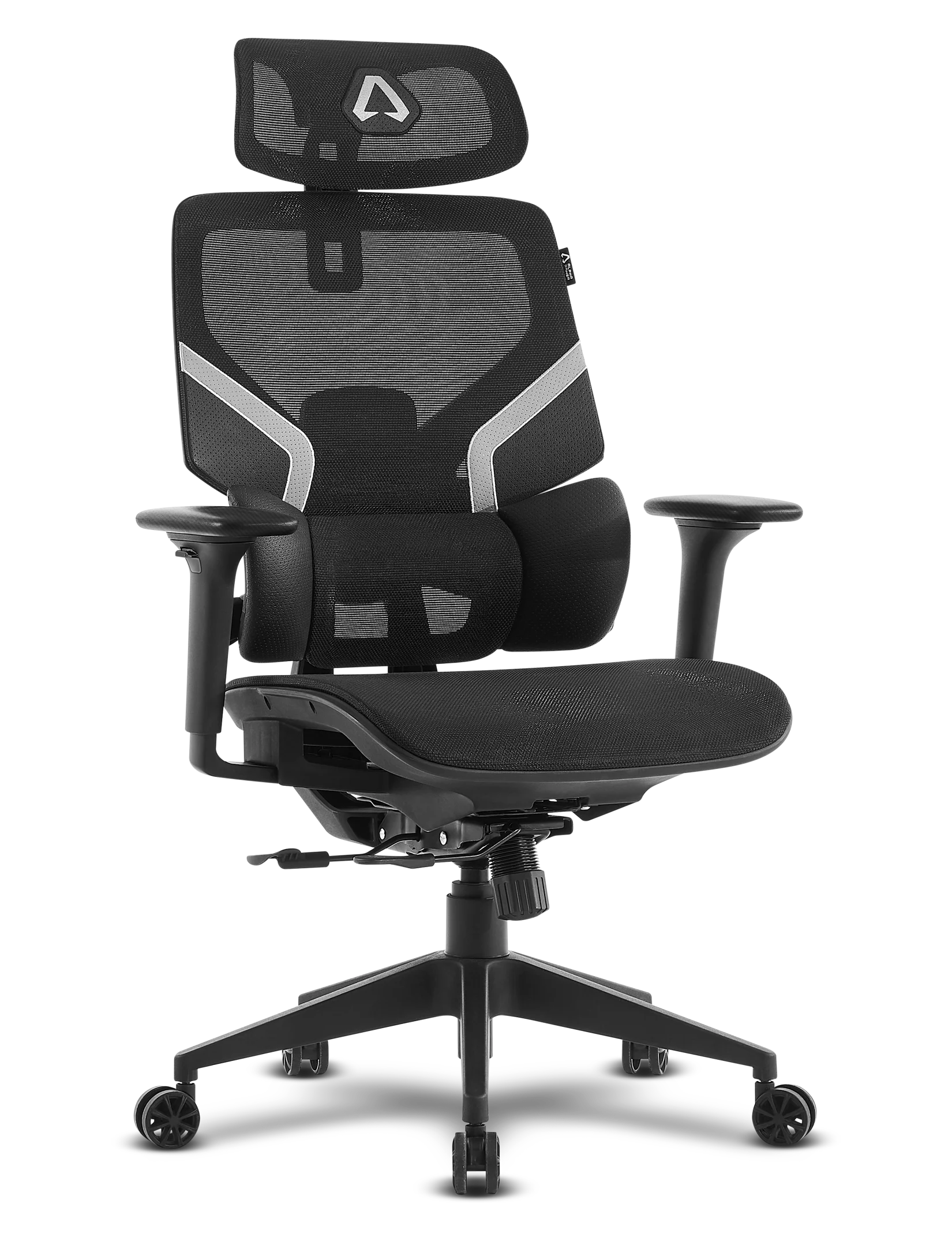
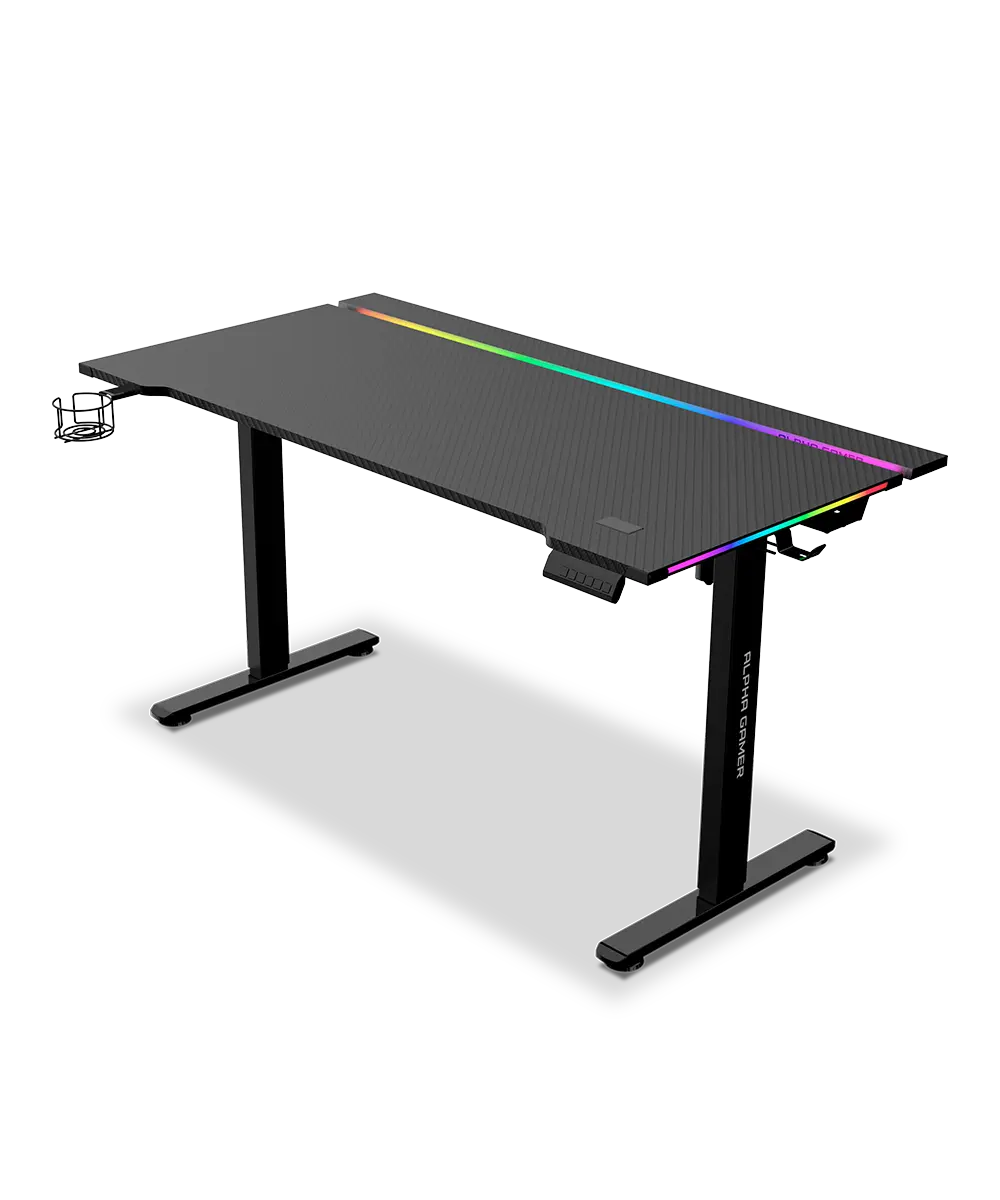
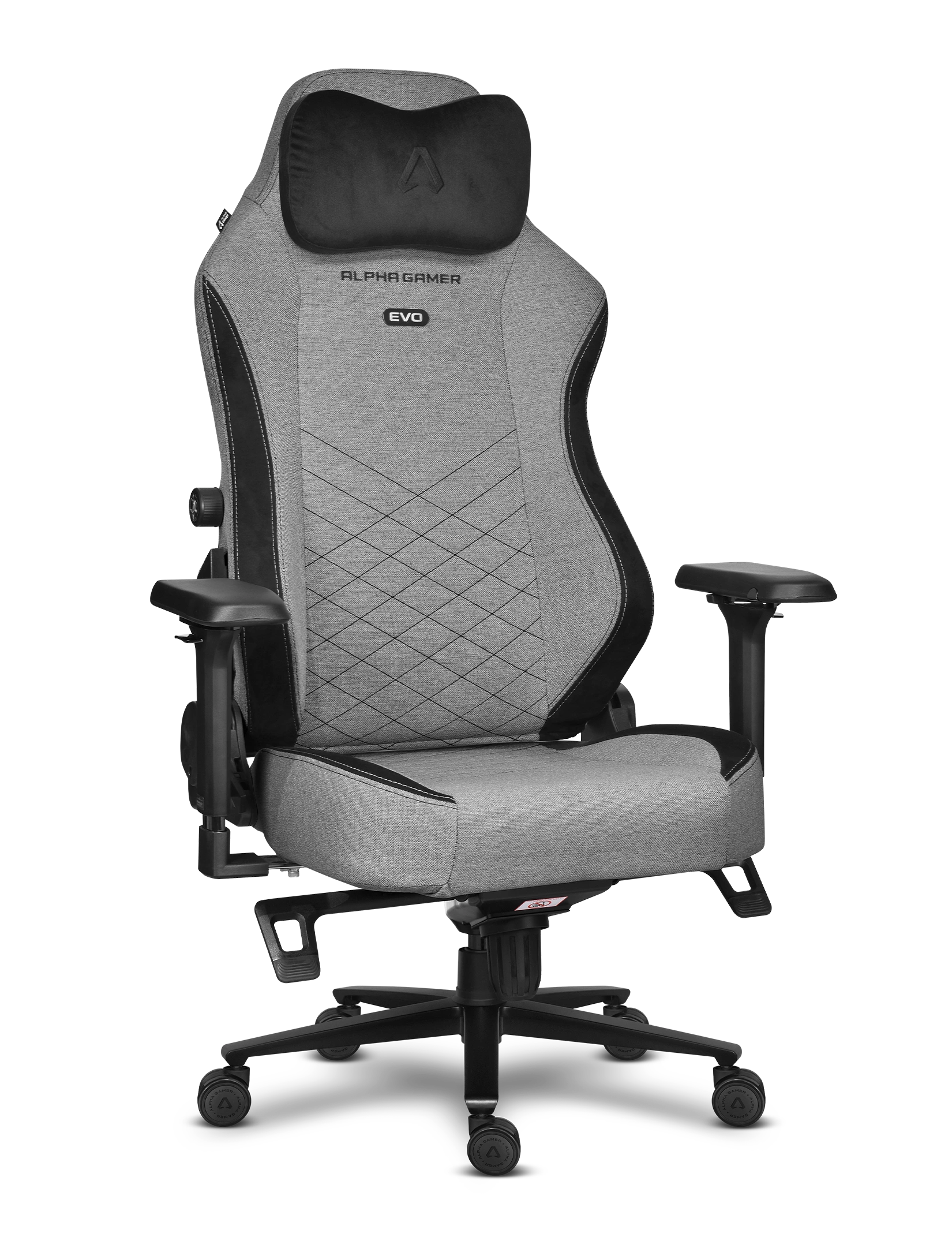

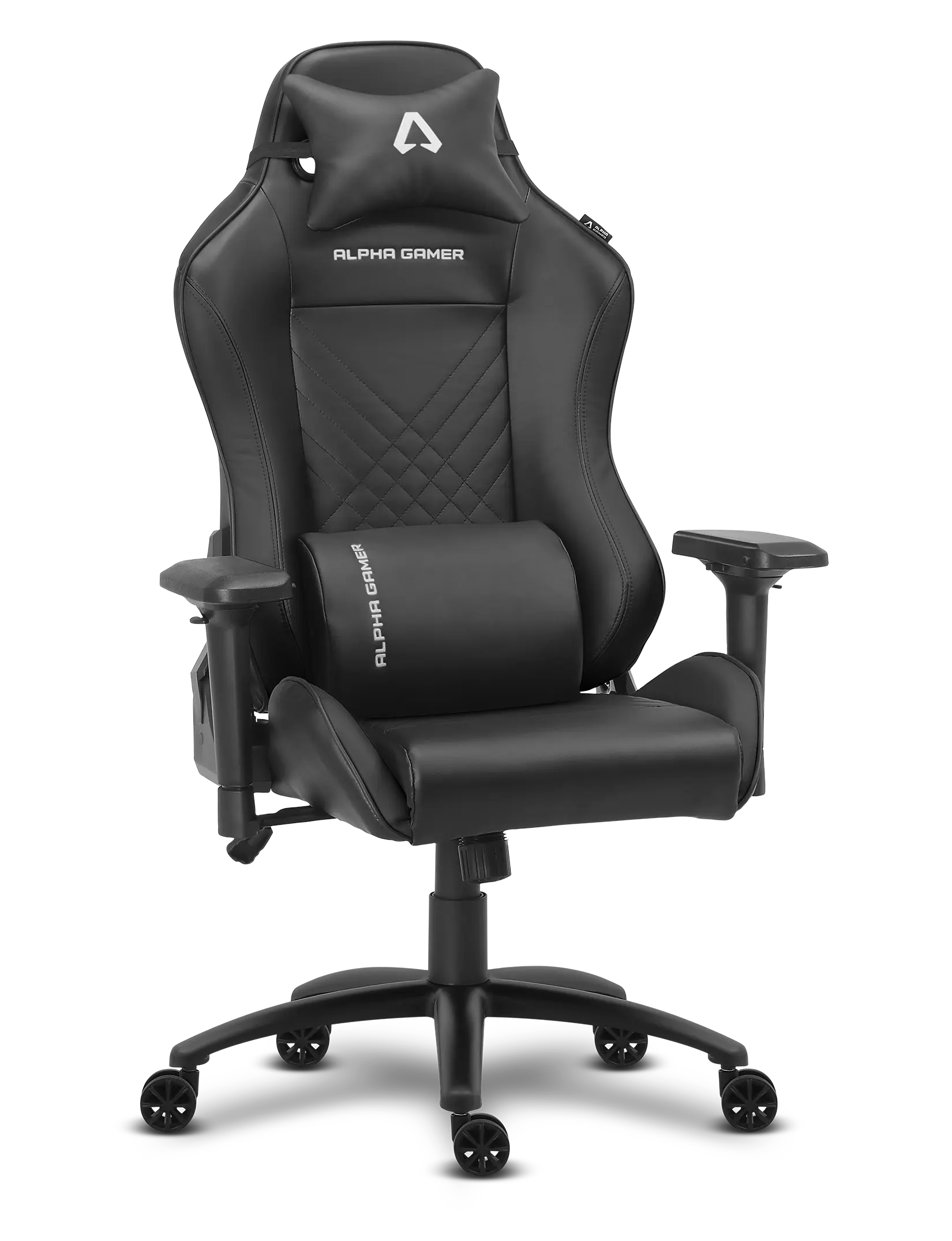
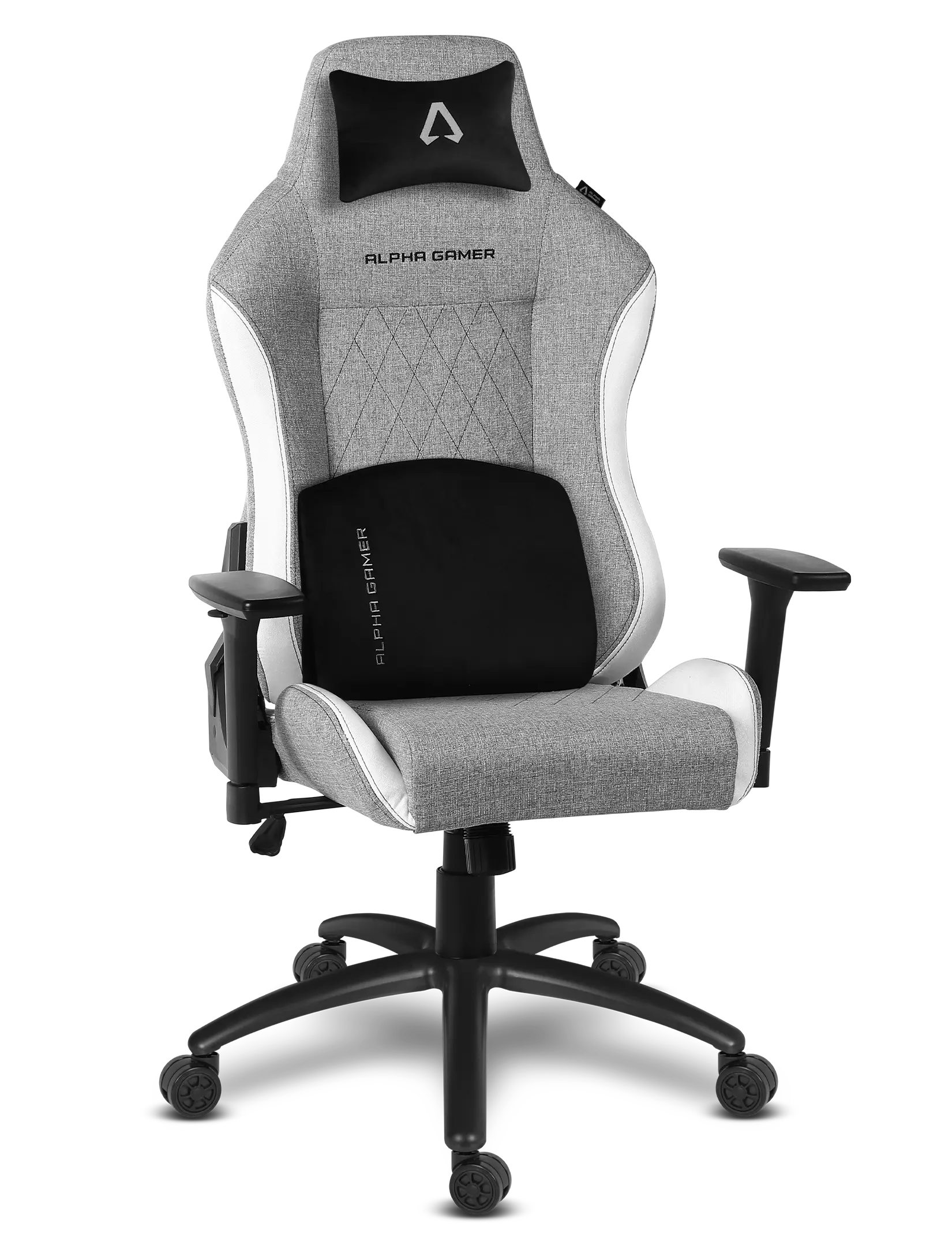
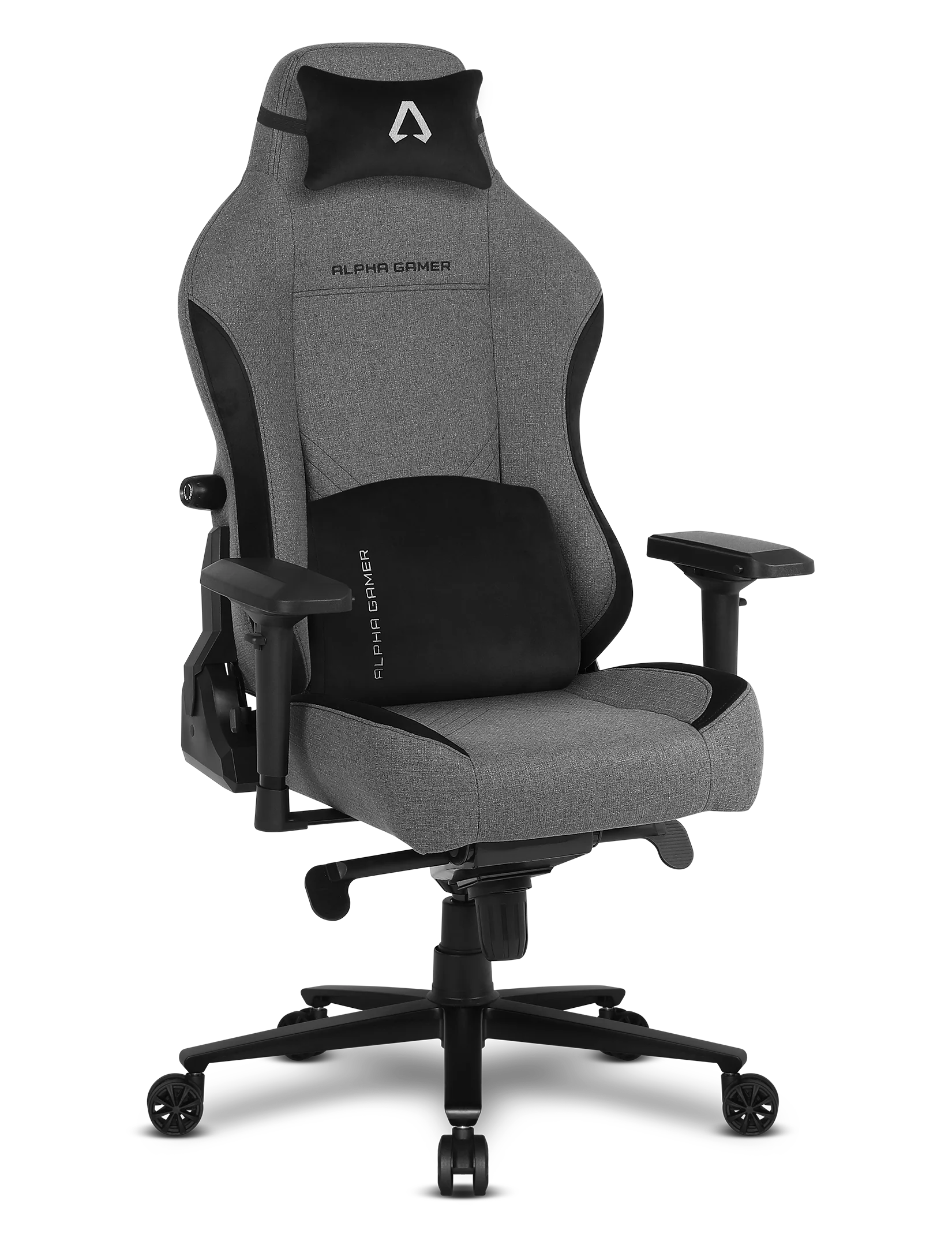
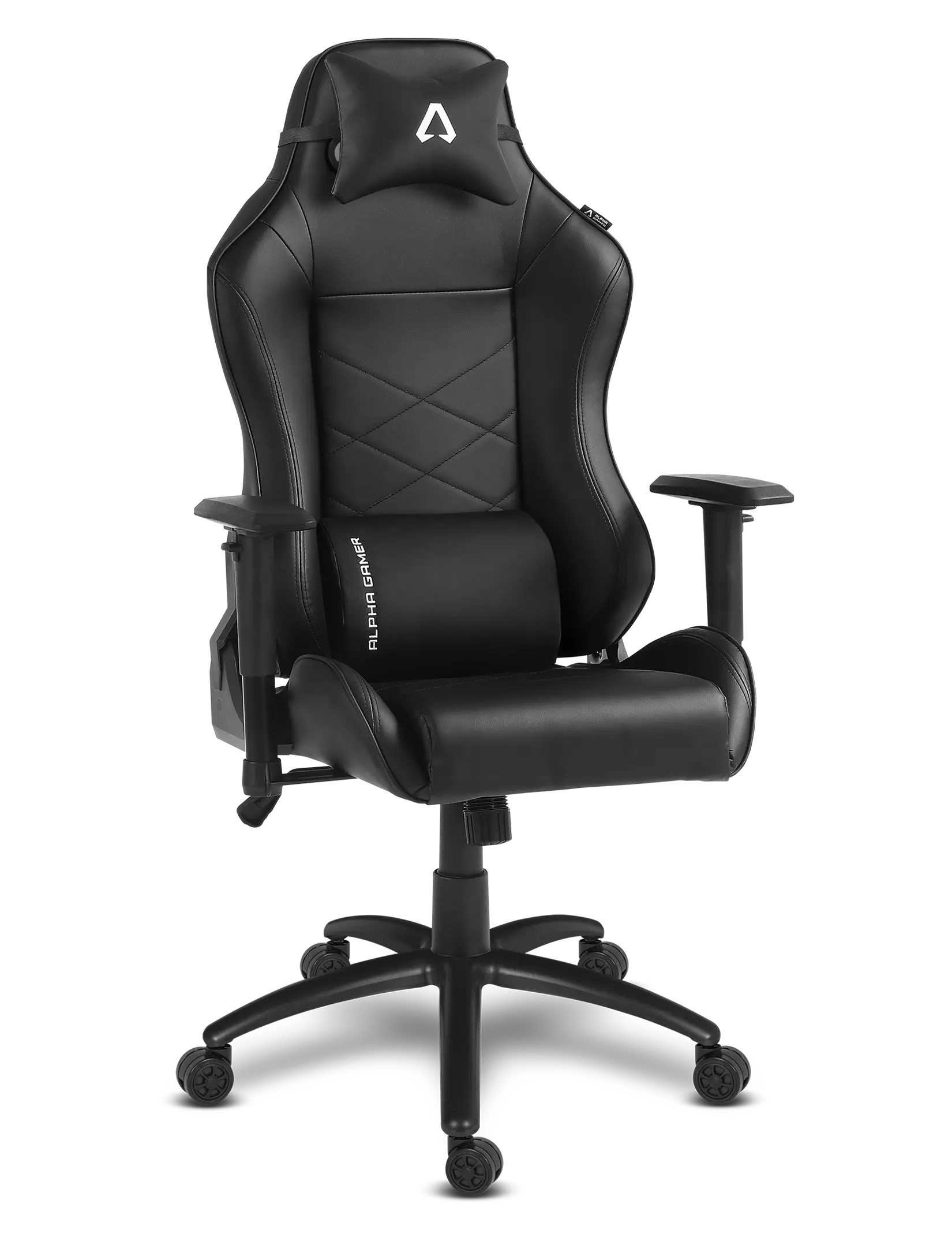
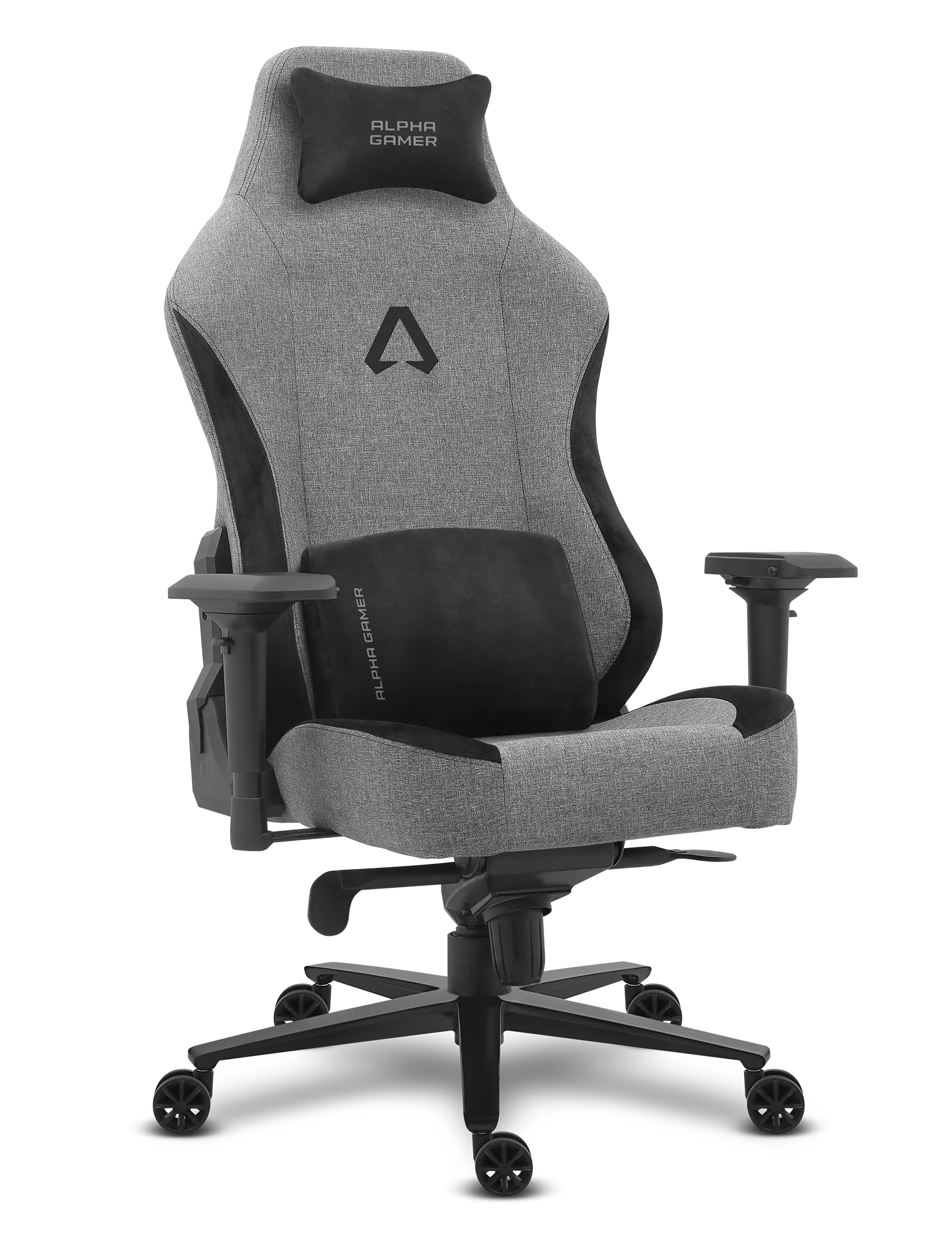
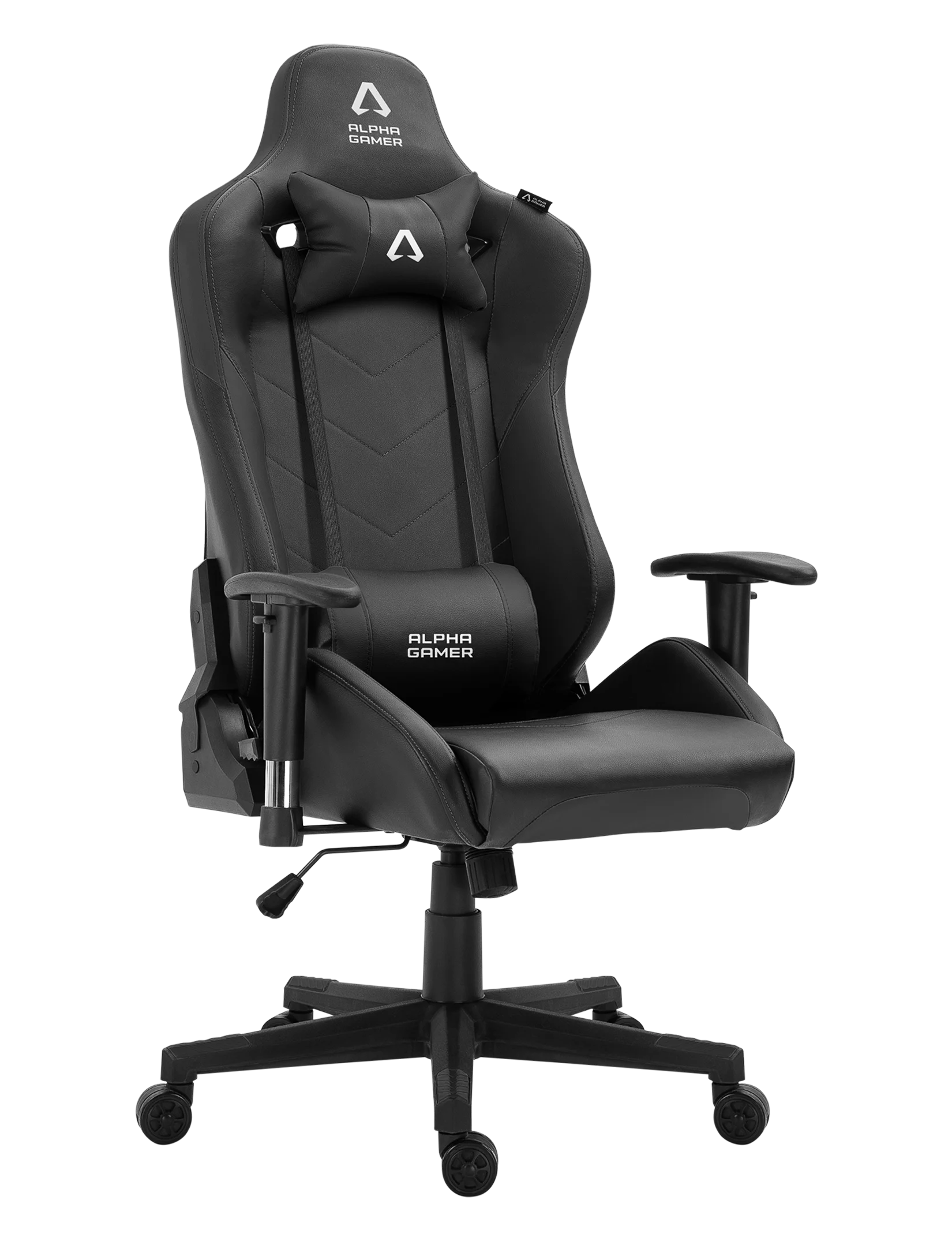
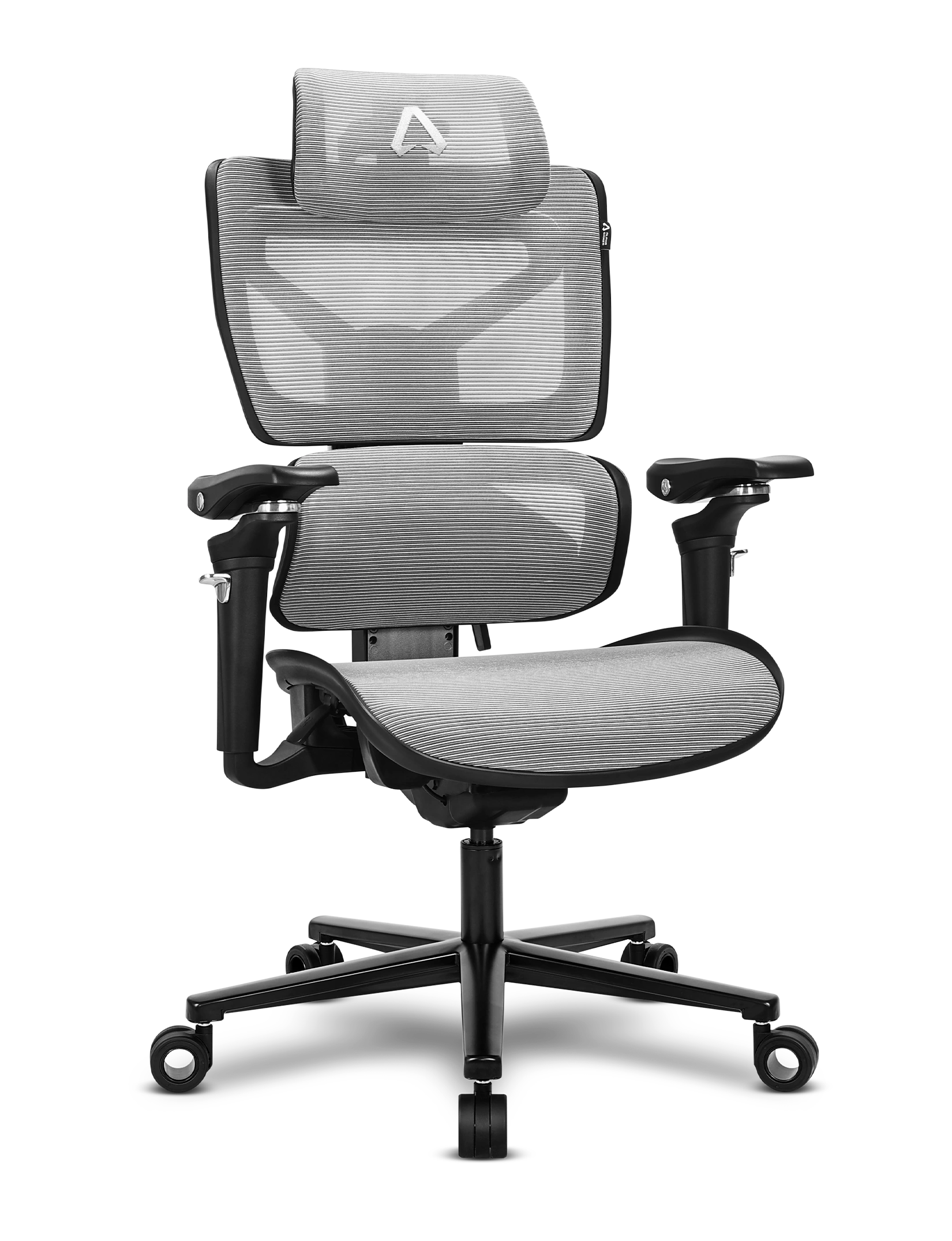
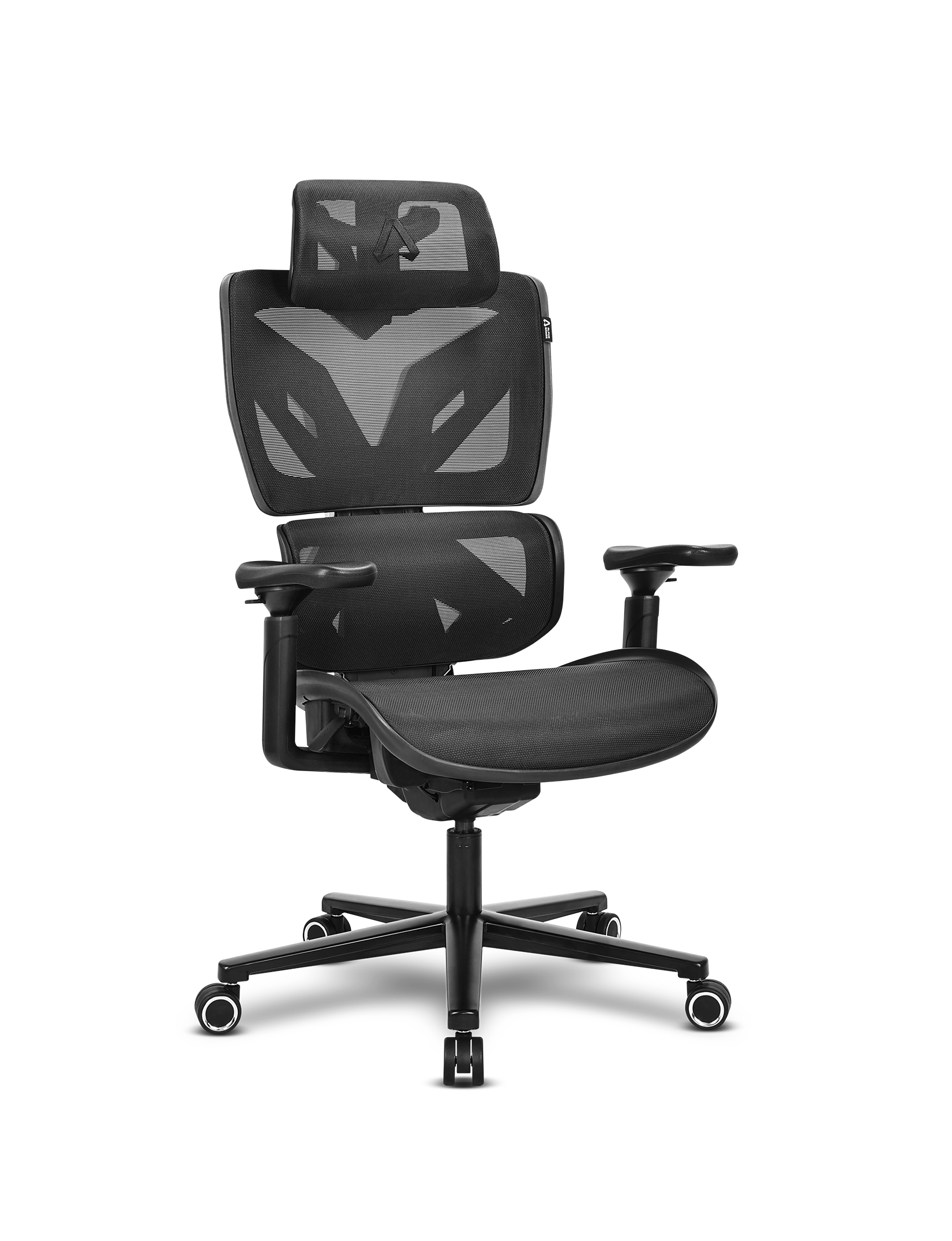
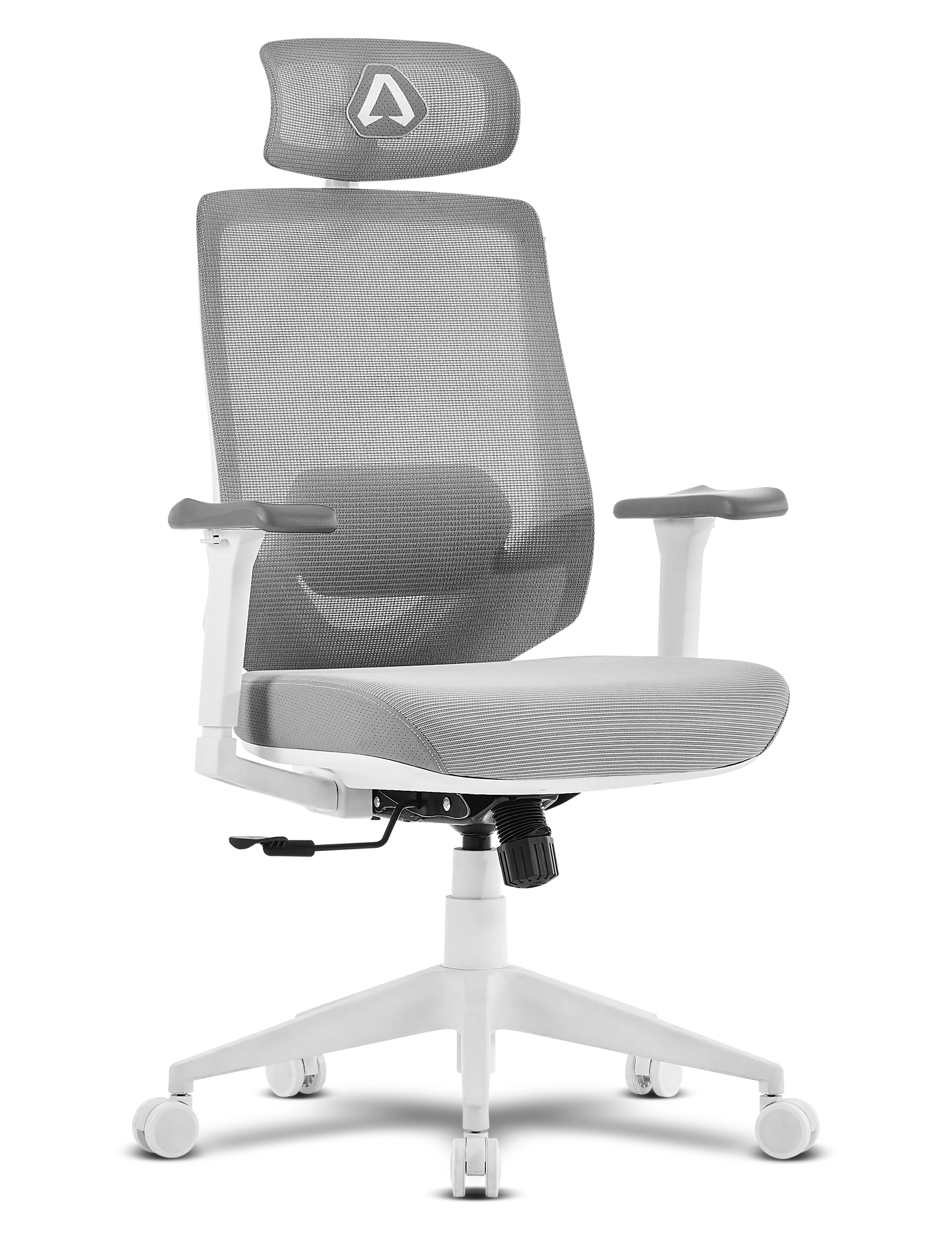
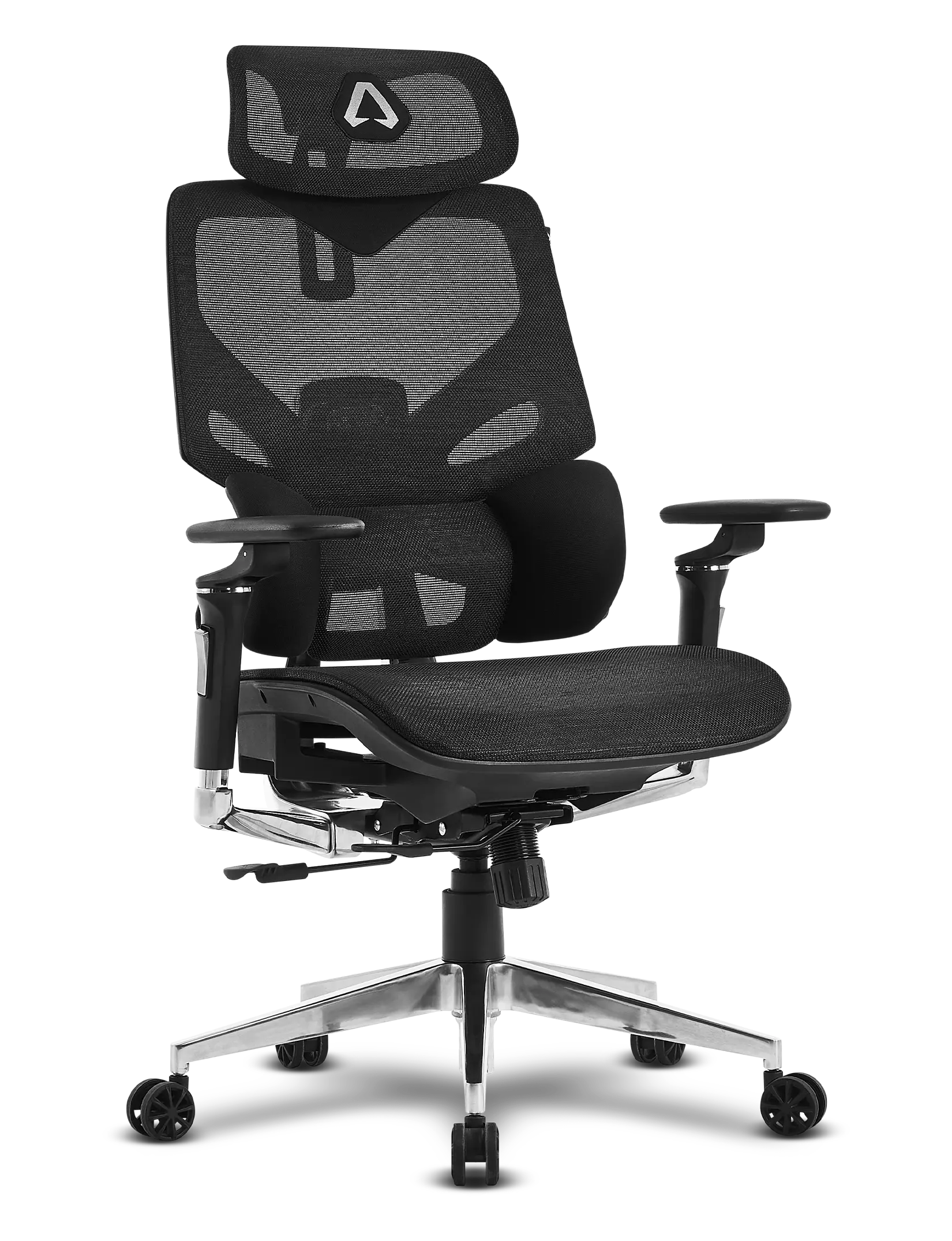

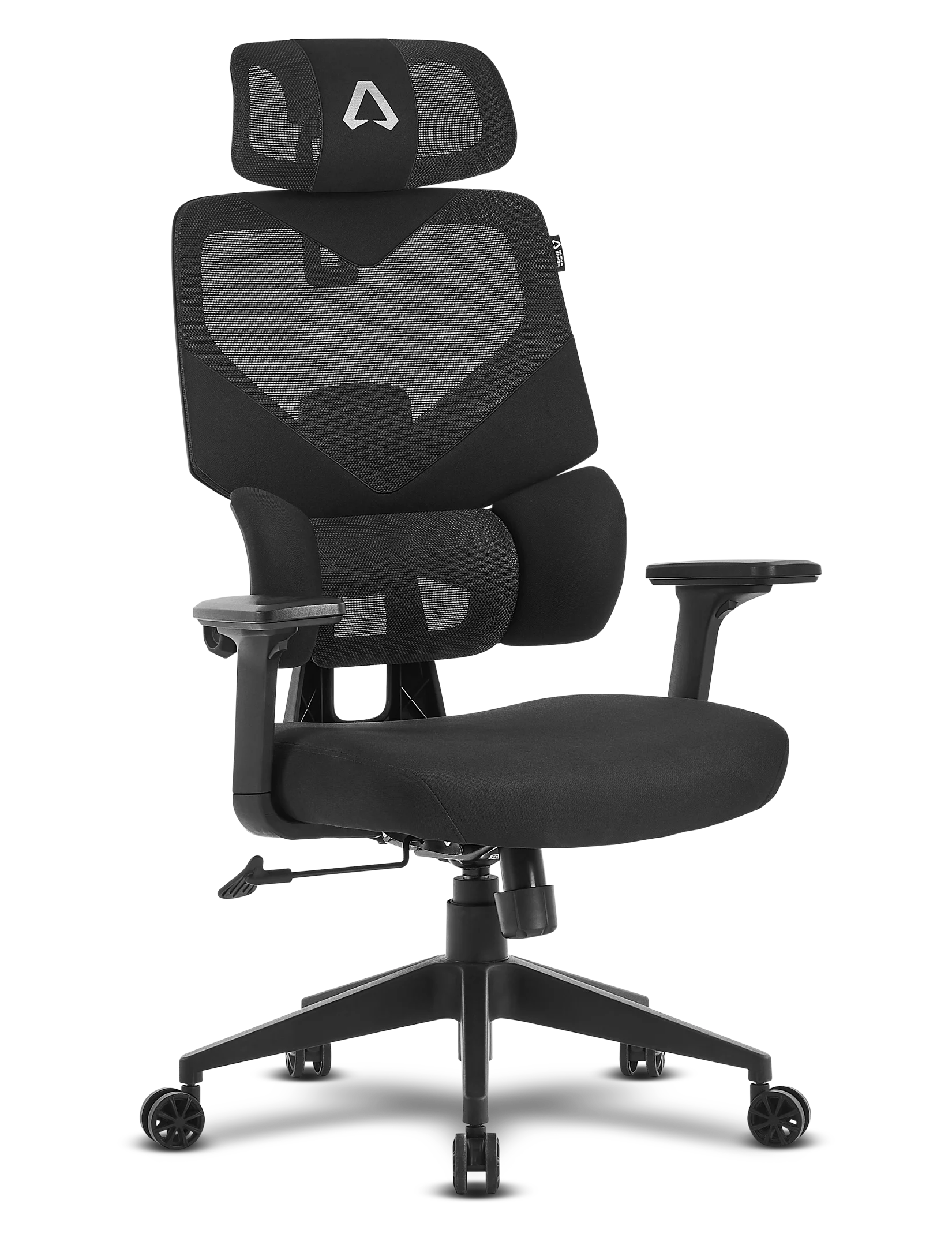


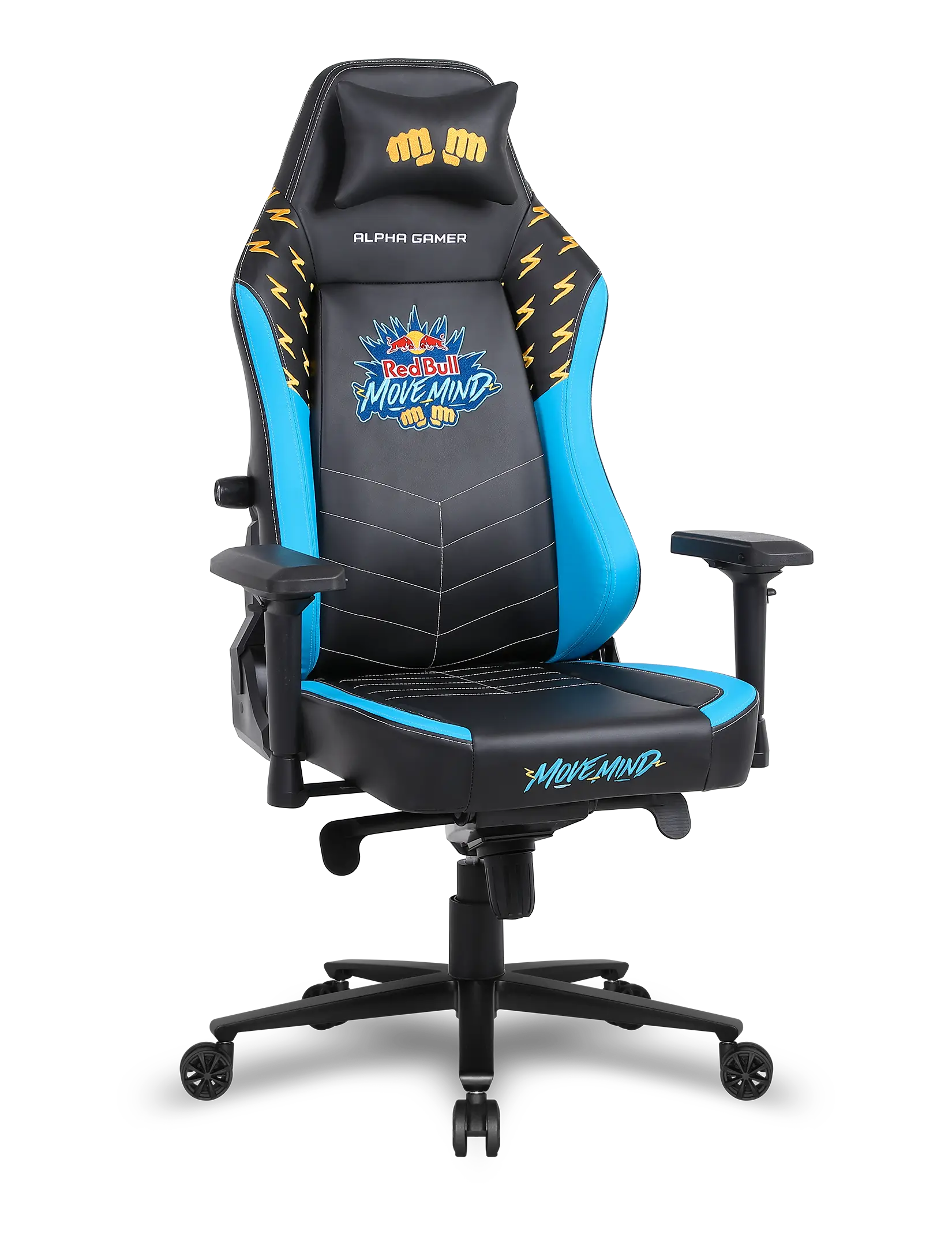

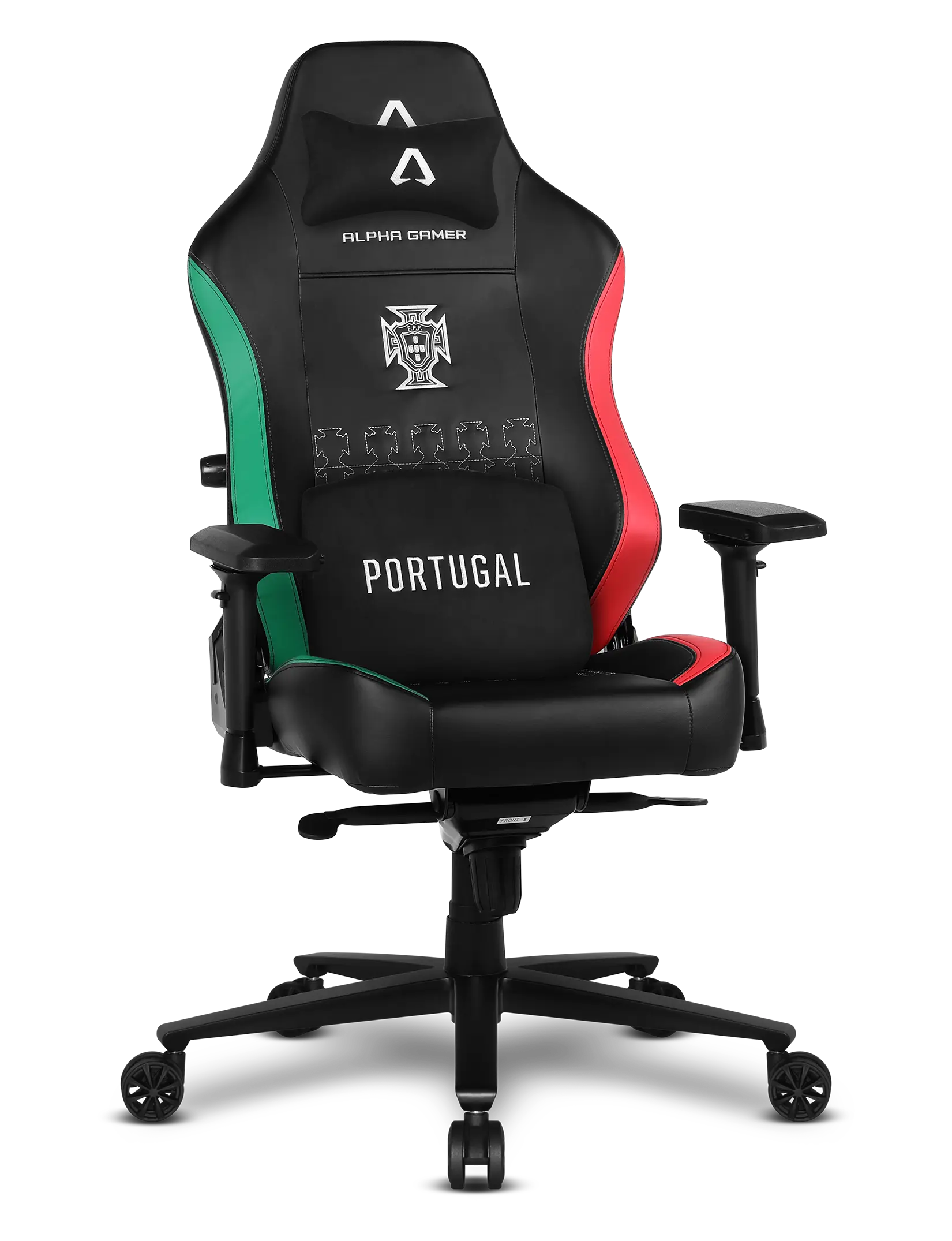
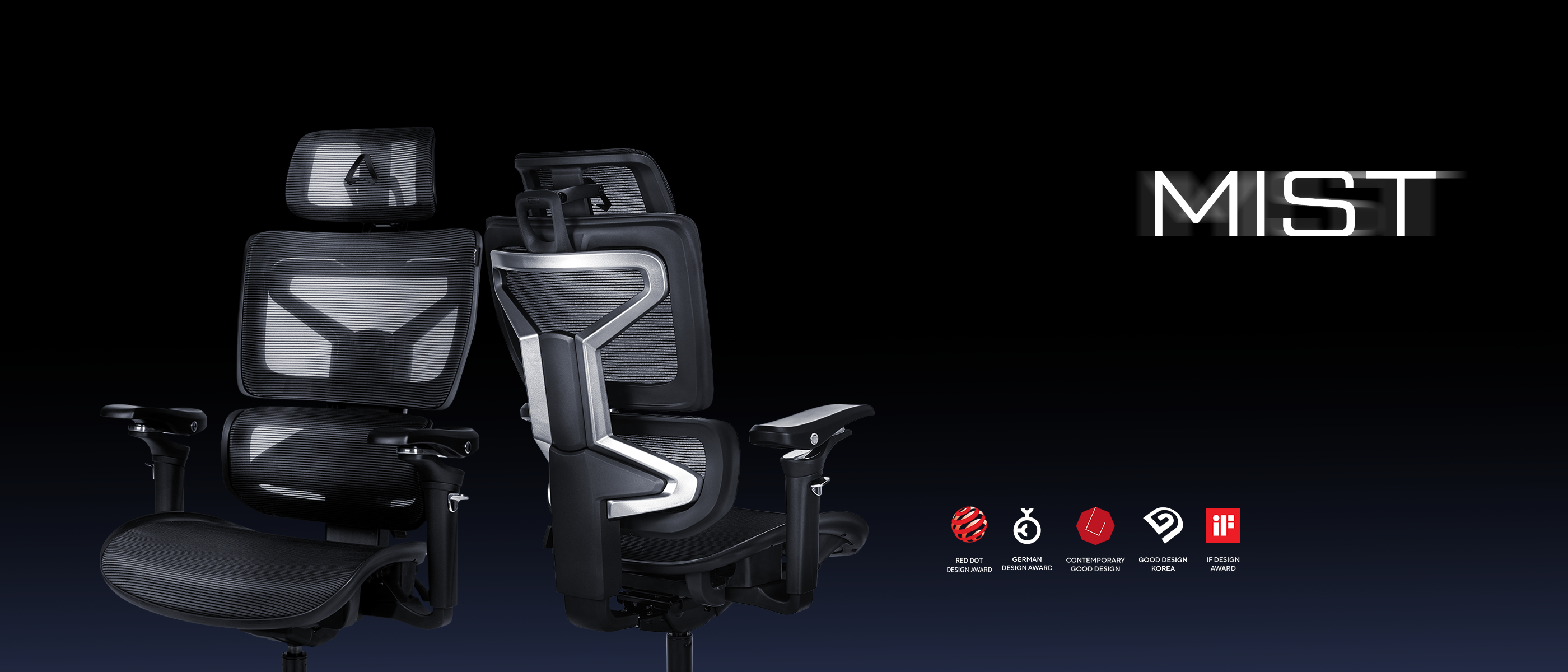
The Alpha Gamer Mist was designed to provide full ergonomics and adapt to your body. Learn how to configure each feature of the chair and discover how small adjustments can improve your posture and comfort throughout the day.
0:00
0:00
Adjustable headrest
Adjust the height, depth, and rotation of the headrest to reduce neck strain and ensure long-lasting comfort.
0:00
0:00
Adjustable lumbar support
The lumbar support adapts to your body weight to keep your lower back properly supported. Use the adjustment lever to lock it into two different positions and find the most comfortable support for your posture.
Sit in the Ideal Position
Learn how to configure the key adjustments of your Alpha Gamer Mist to find the perfect posture. From the backrest height to the seat position, every detail can be adapted to your body to ensure ergonomic support and all-day comfort.
0:00
0:00
Backrest height
Adjust the backrest height to align the lumbar and upper support with the natural curve of your spine, promoting a healthy posture.
0:00
0:00
Seat height
Raise or lower the seat so your feet and knees are comfortable, ensuring balanced posture and proper circulation.
0:00
0:00
Seat depth
Slide the seat forward or backward to find the ideal fit, reducing pressure and increasing long-lasting comfort.
0:00
0:00
4D Armrests
Adjust the height, depth, and rotation of the armrests to reduce tension in your shoulders, elbows, and wrists, providing full support.
0:00
0:00
Backrest recline
Easily switch from a more upright, formal position to a relaxed, laid-back posture. Whether you're gaming intensely or taking a break, find the perfect adjustment for every moment.