
FAQ
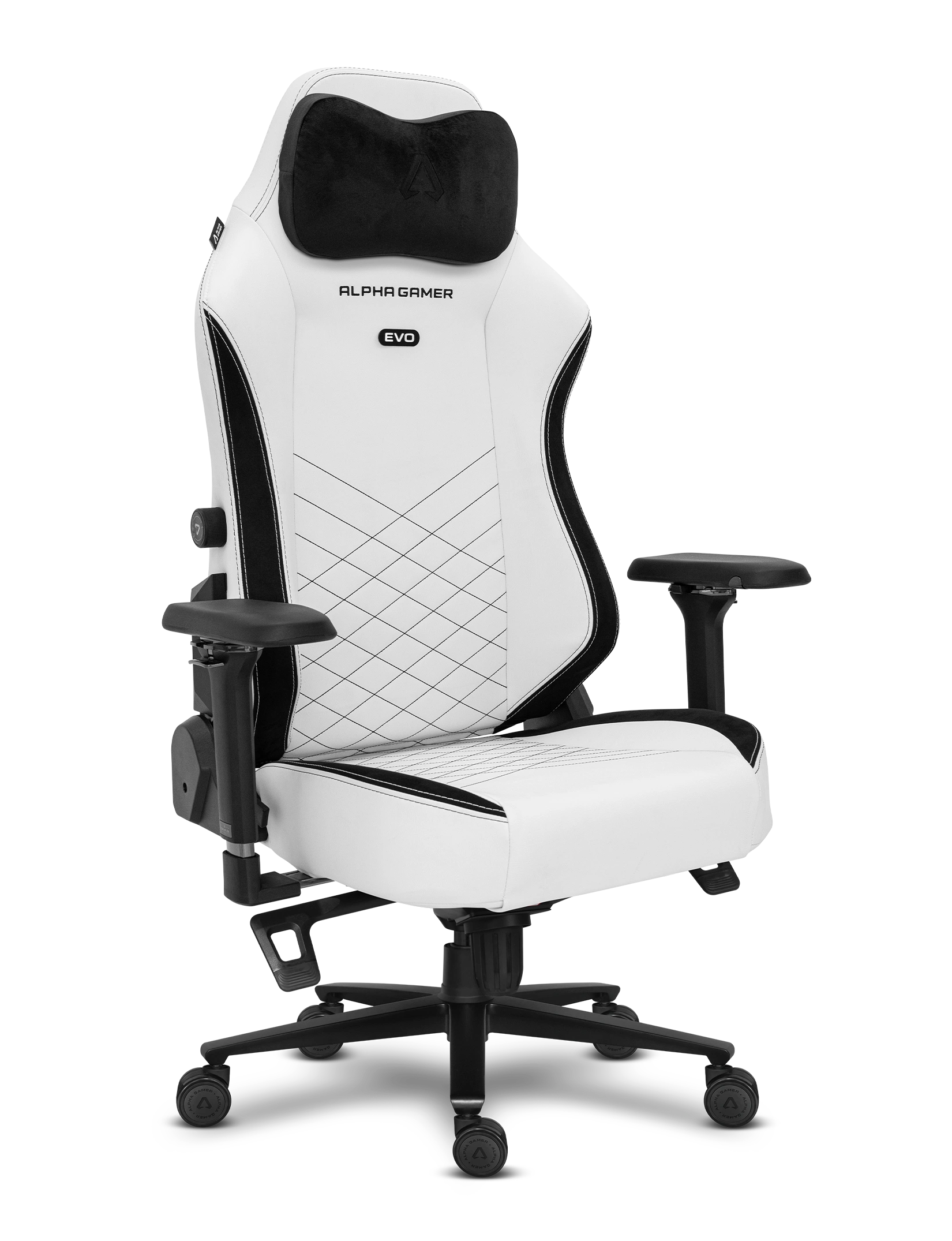
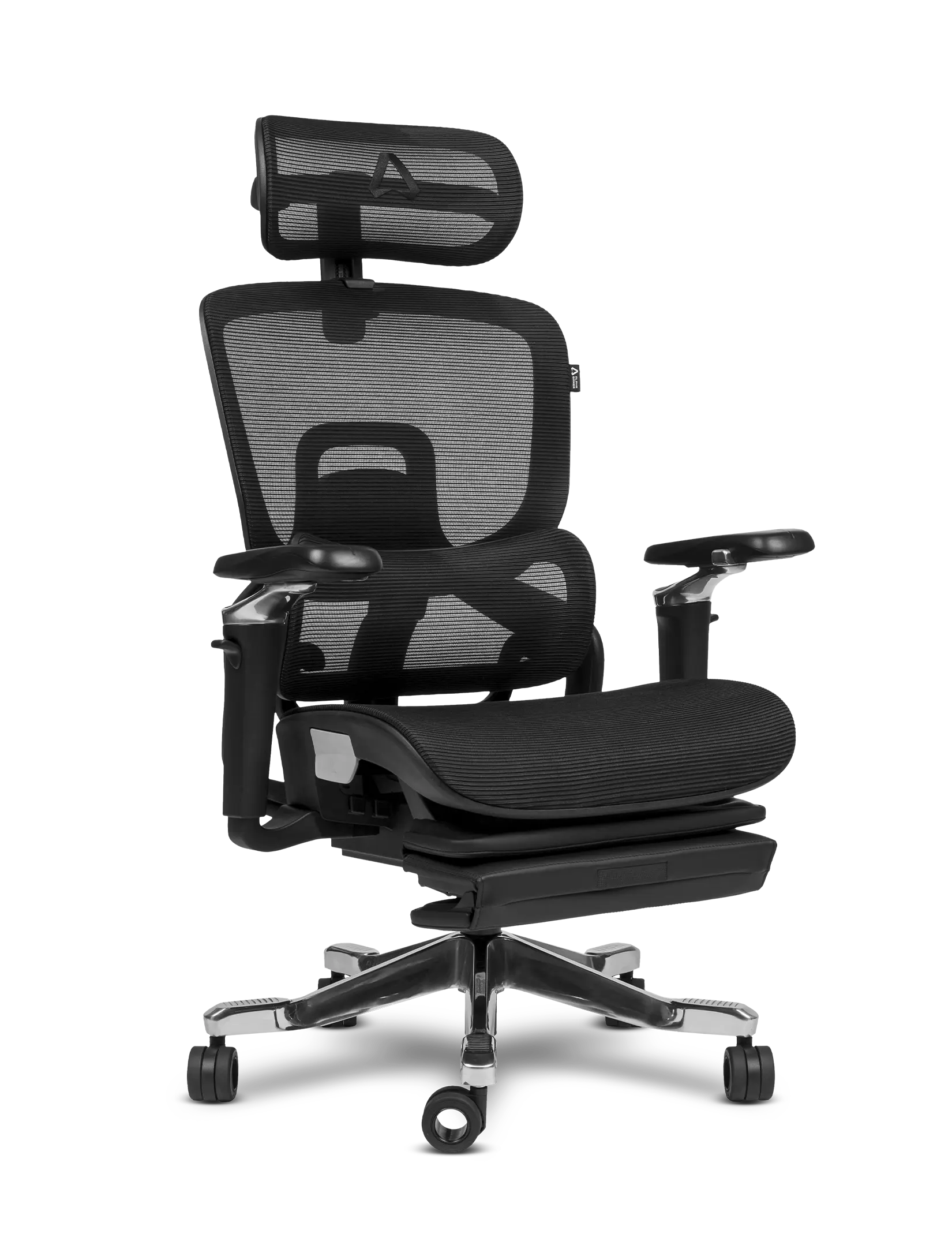
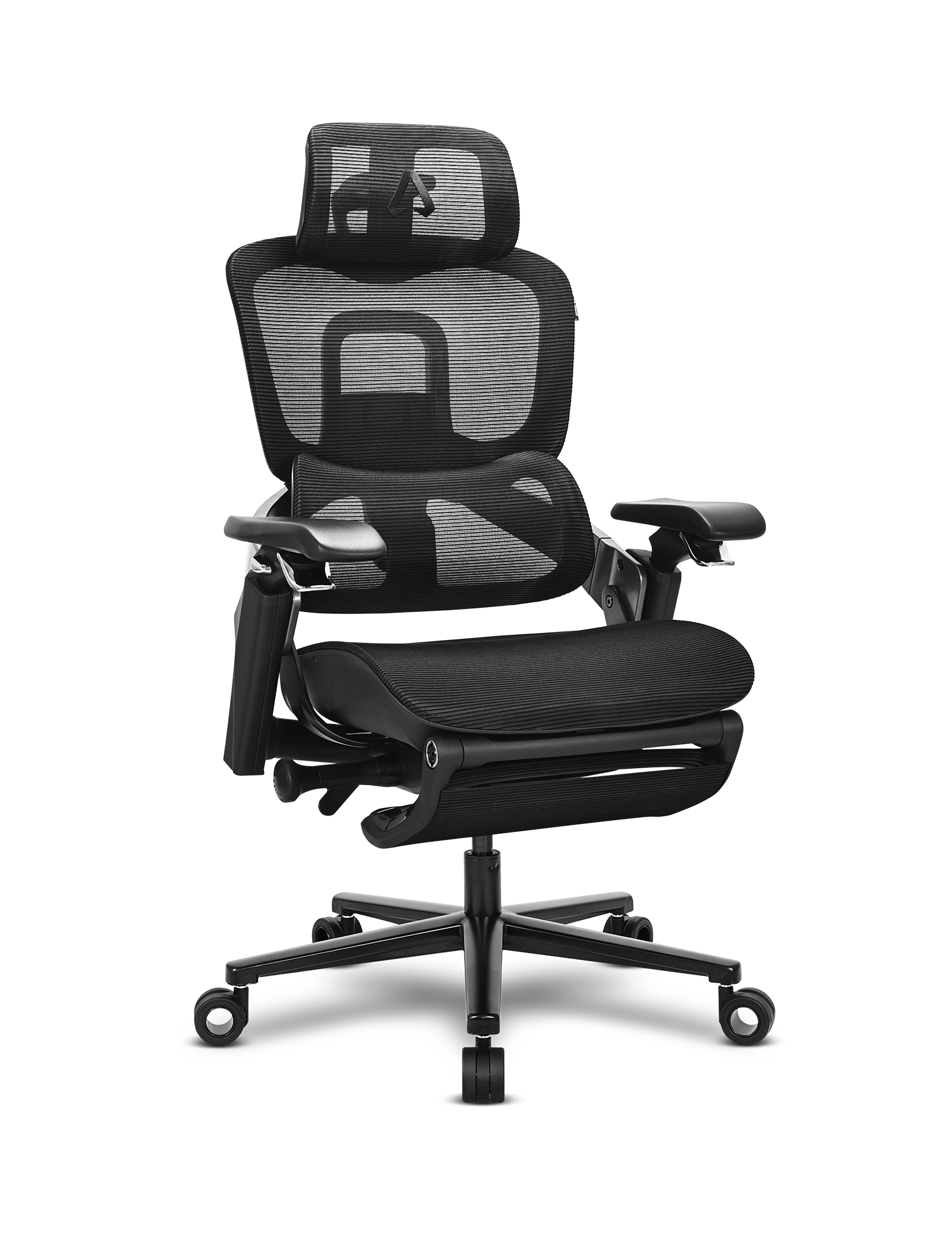
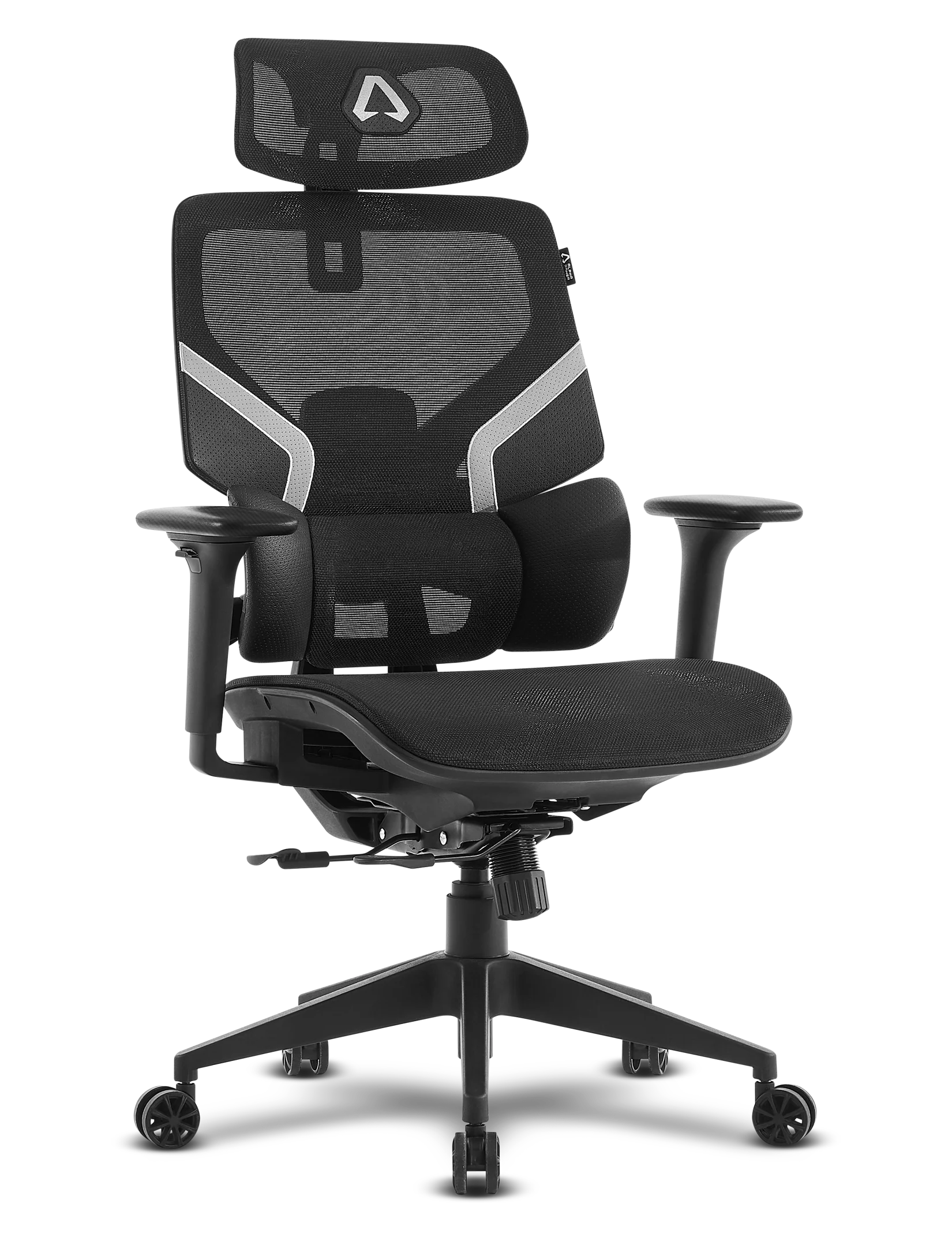
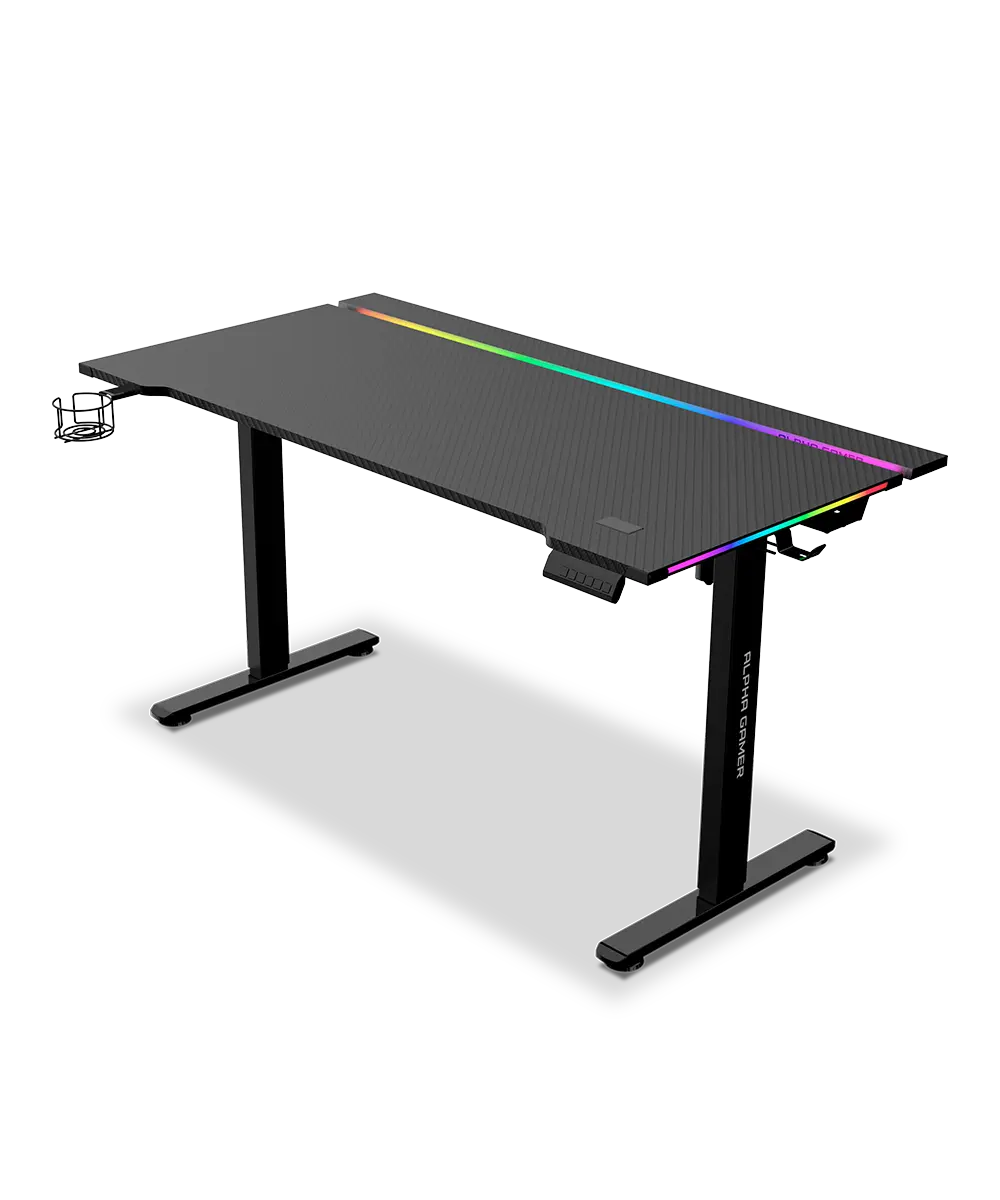
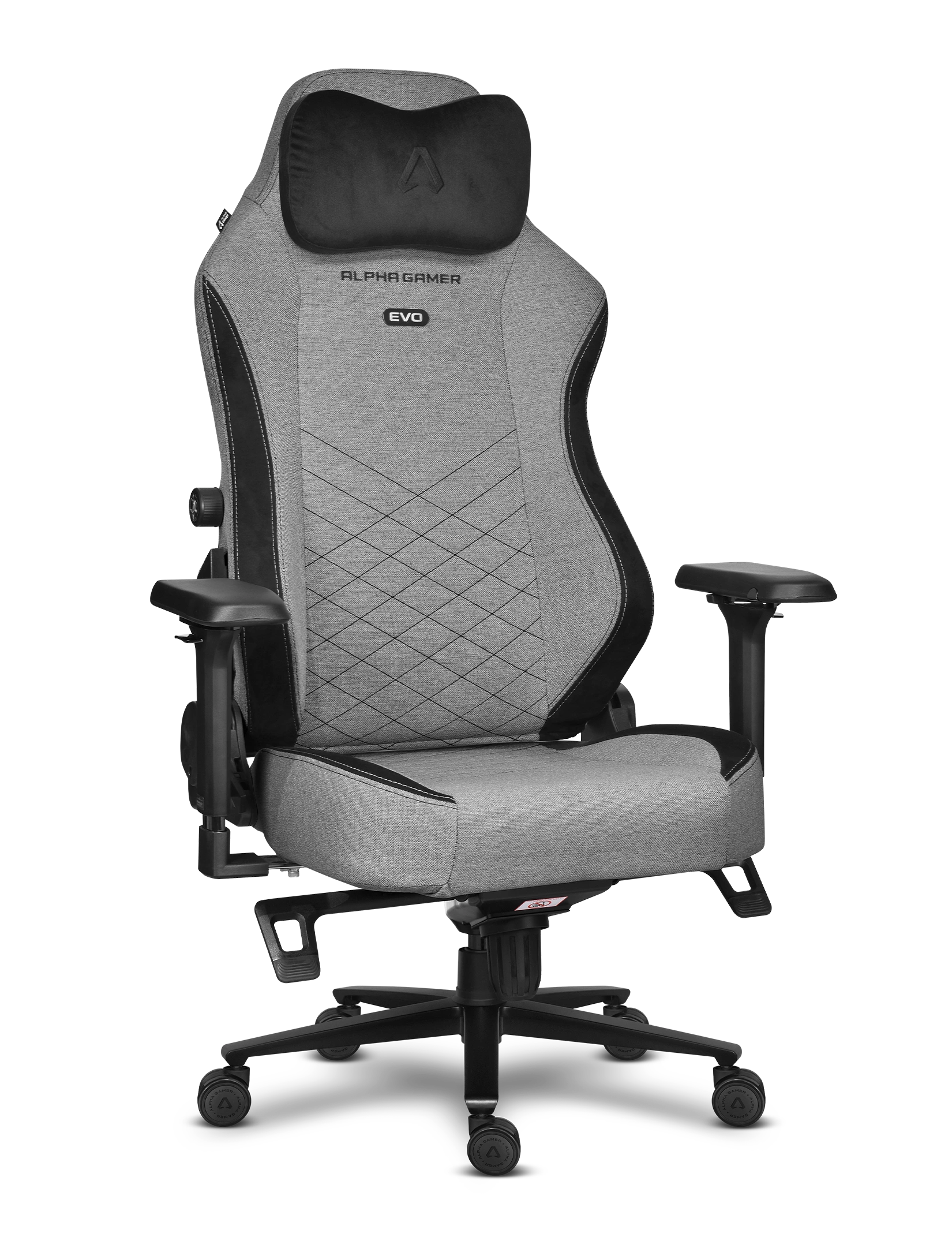

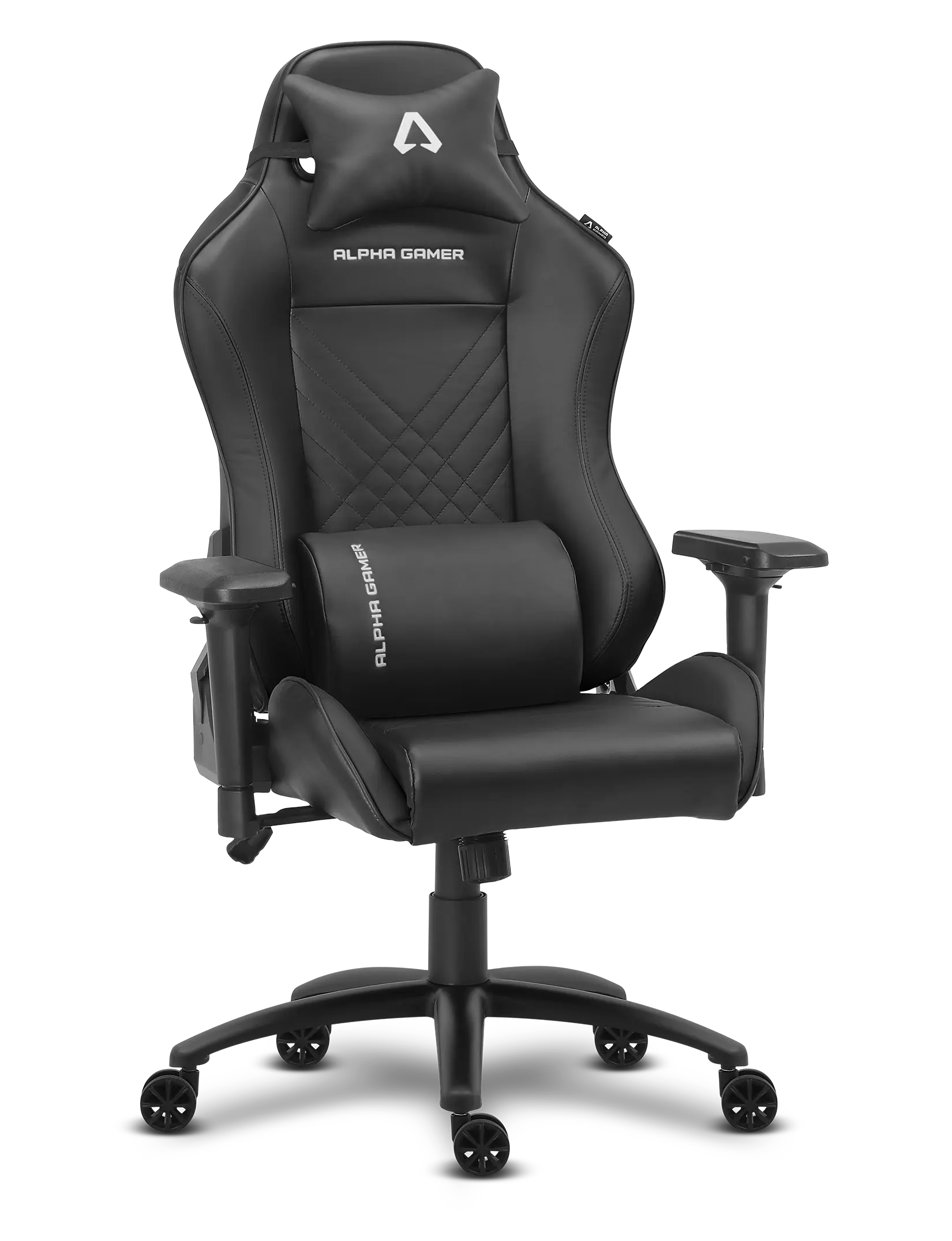
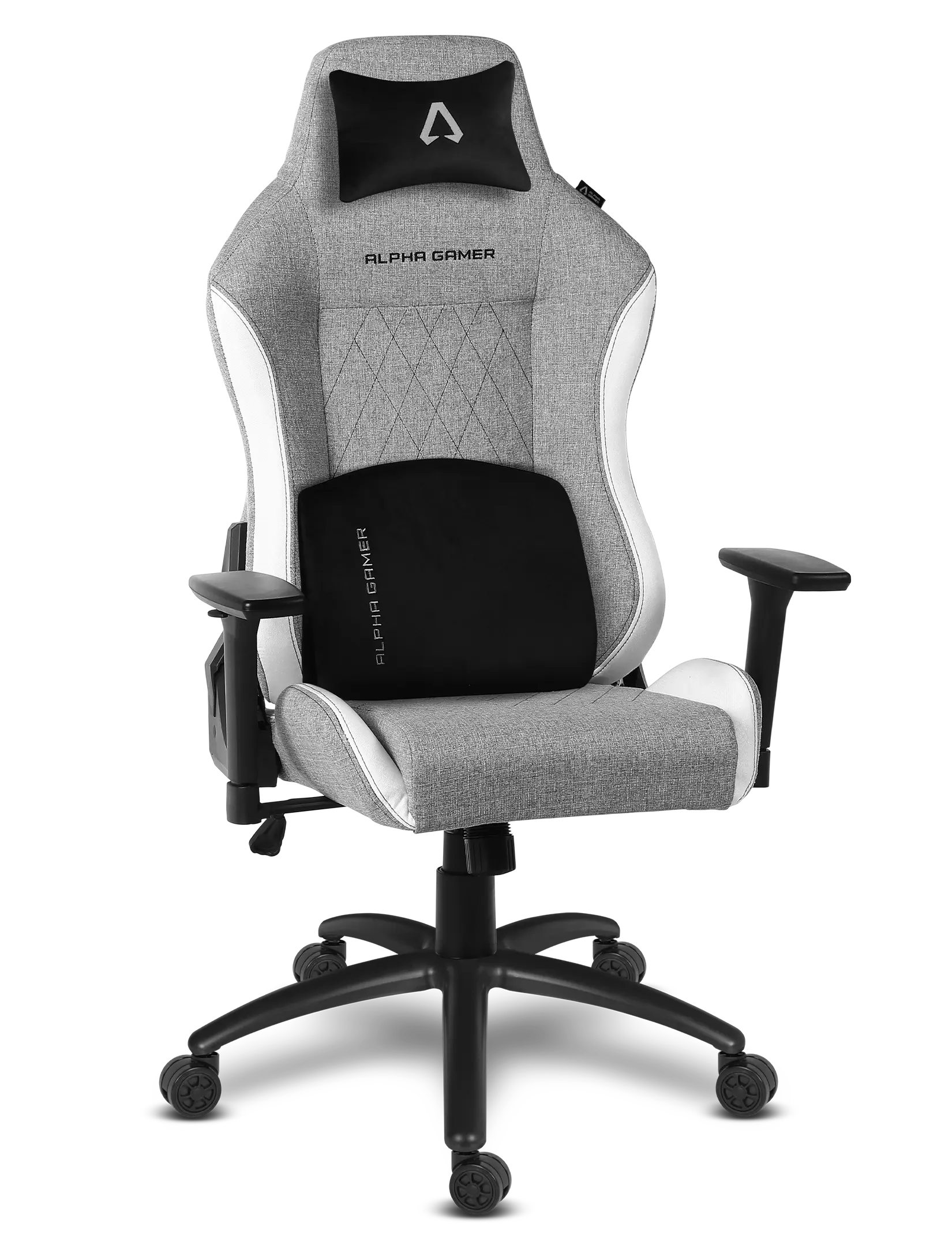
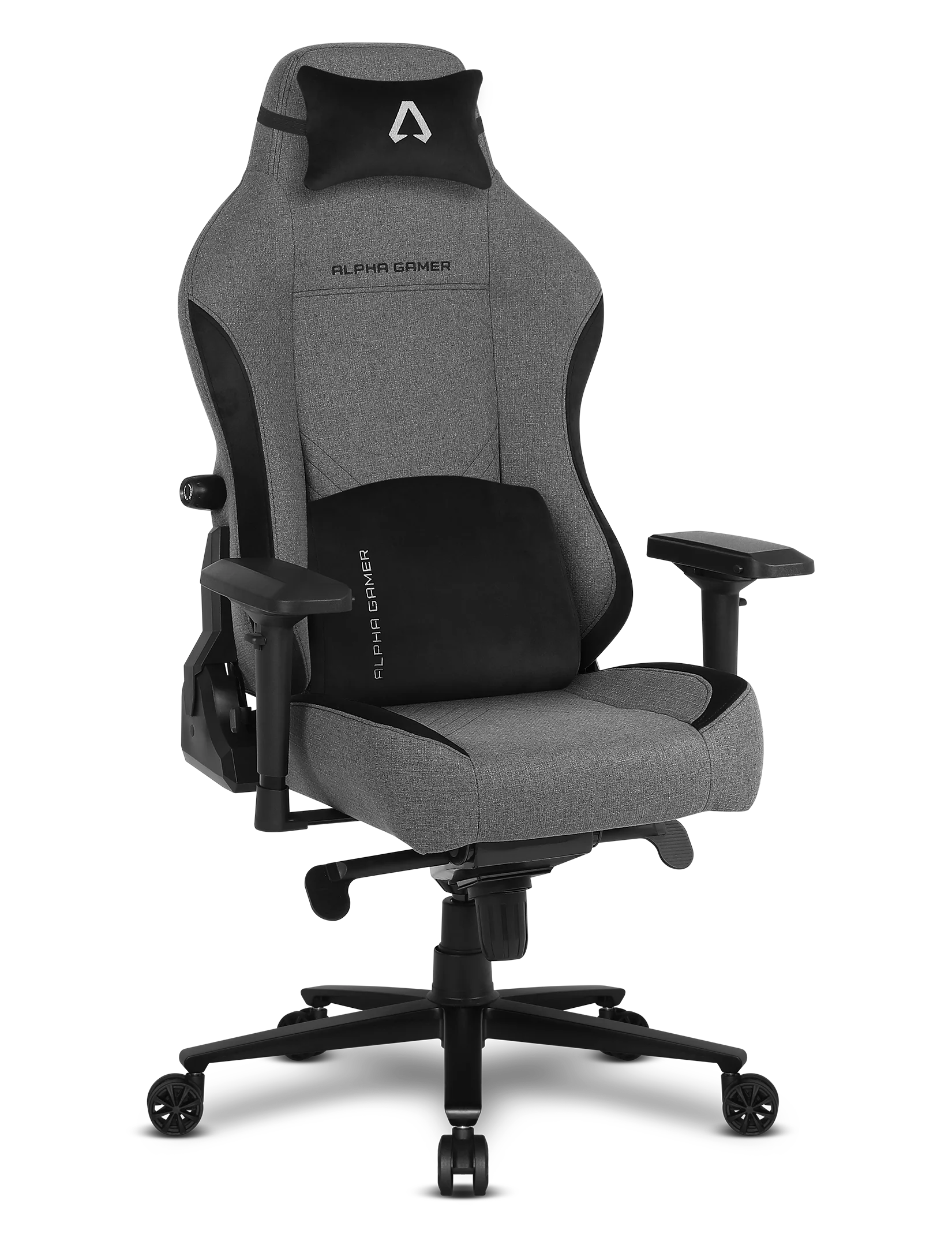
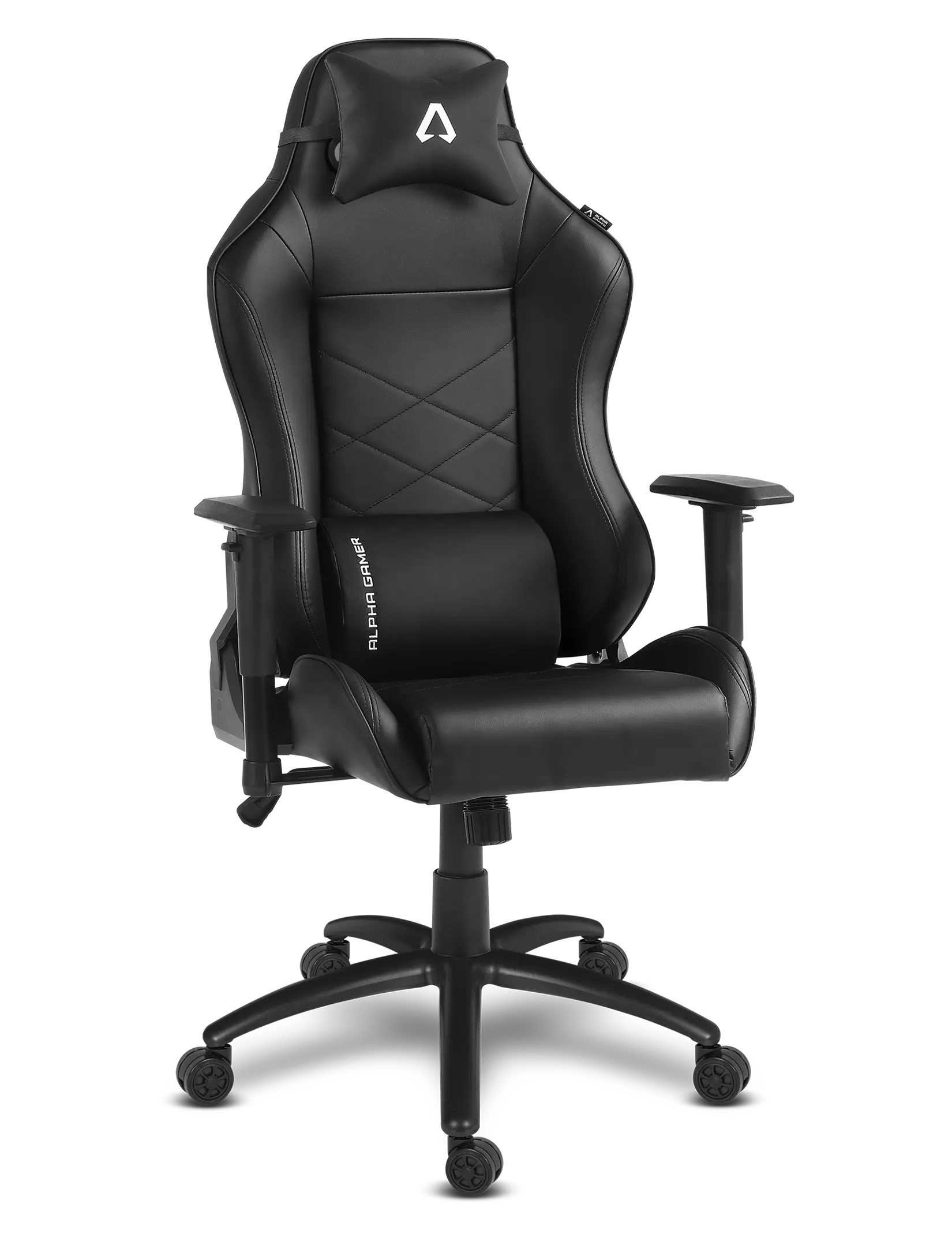
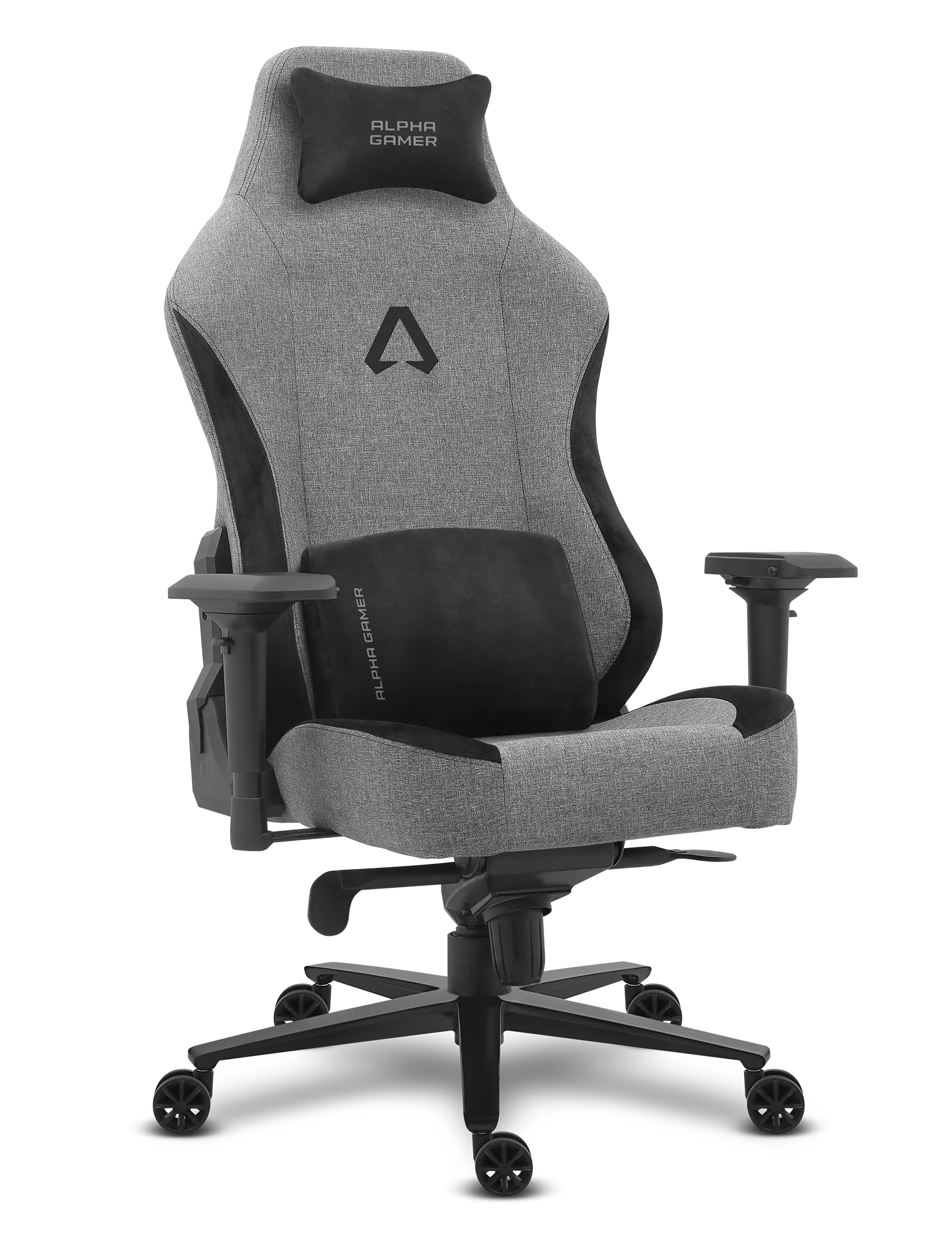
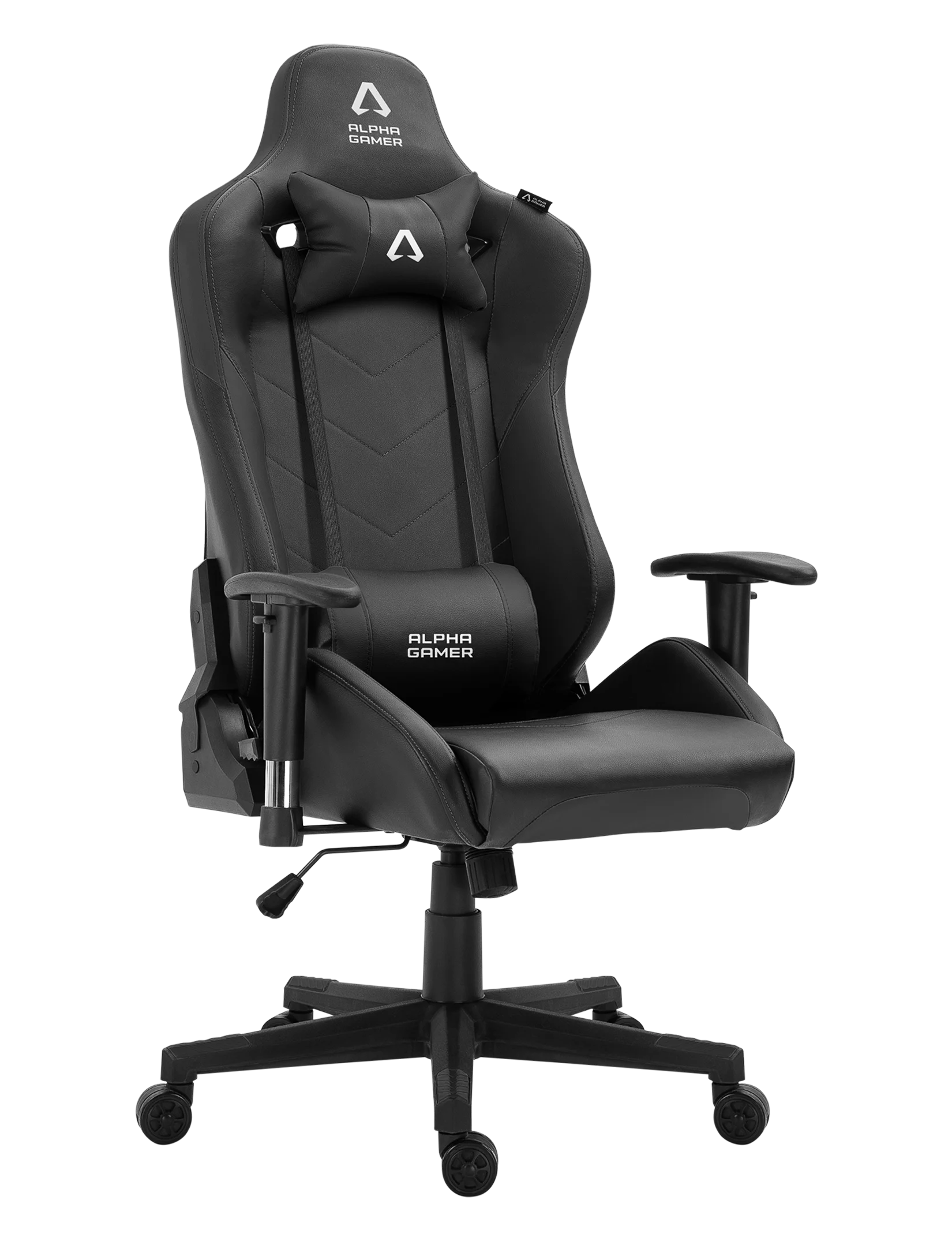
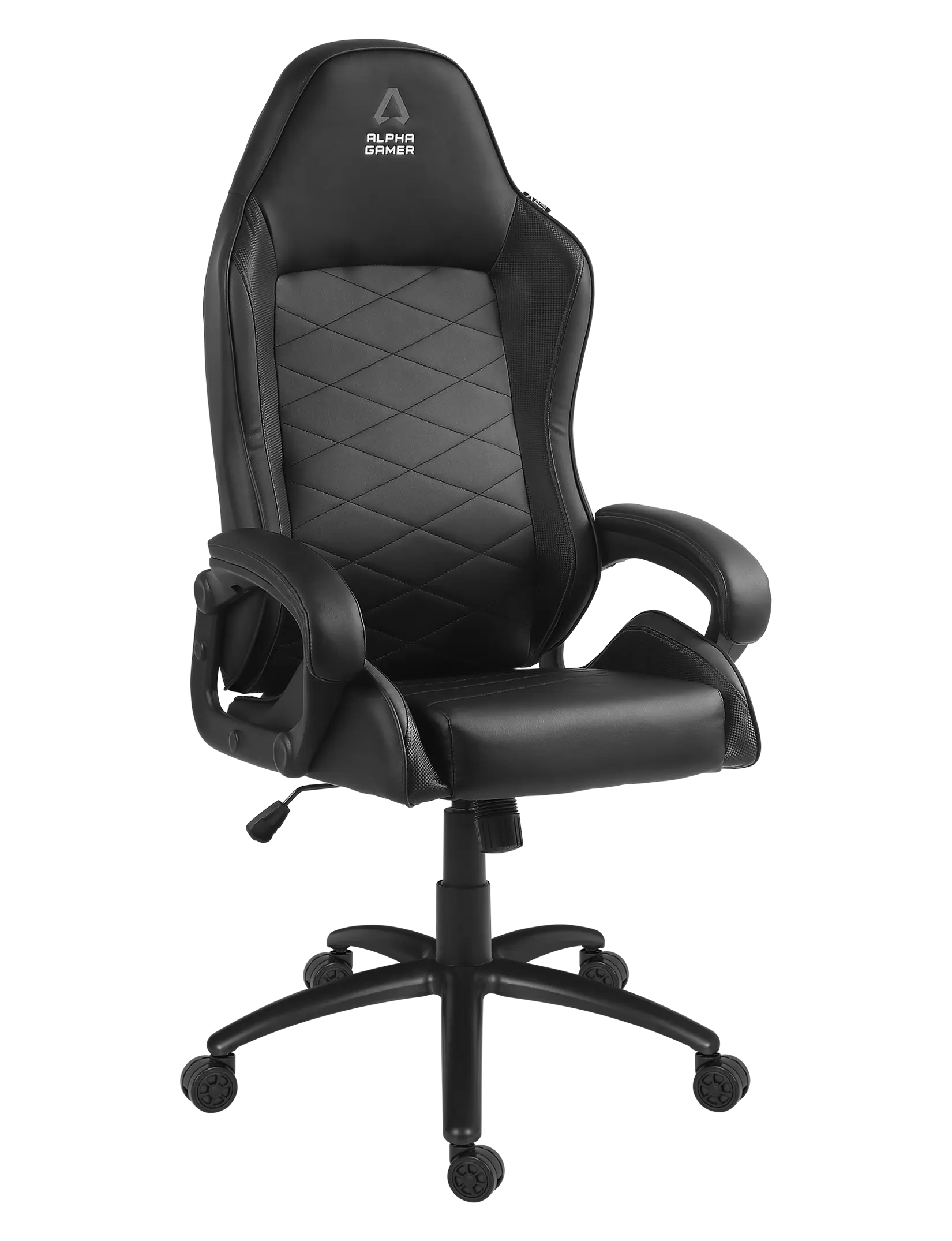
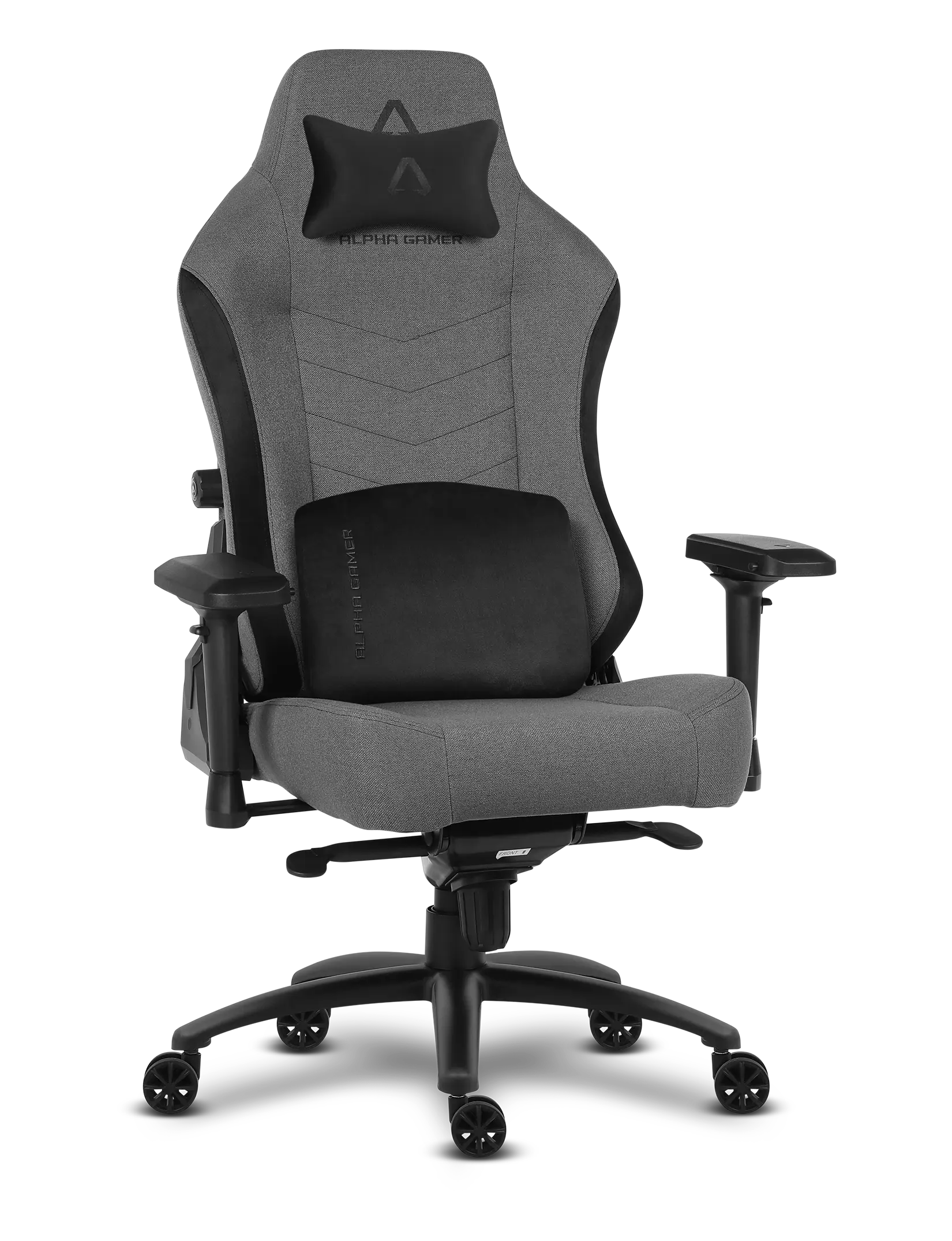
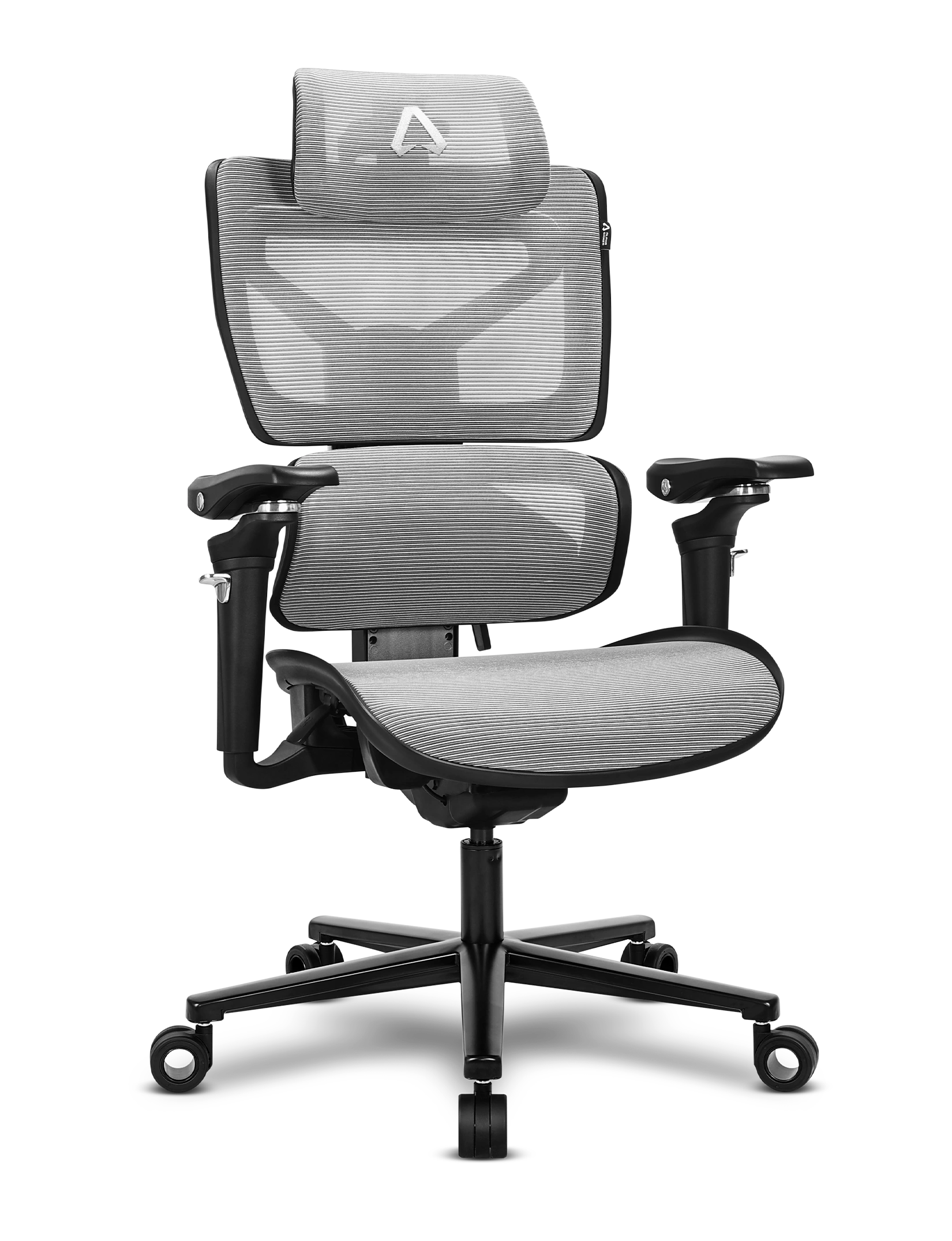
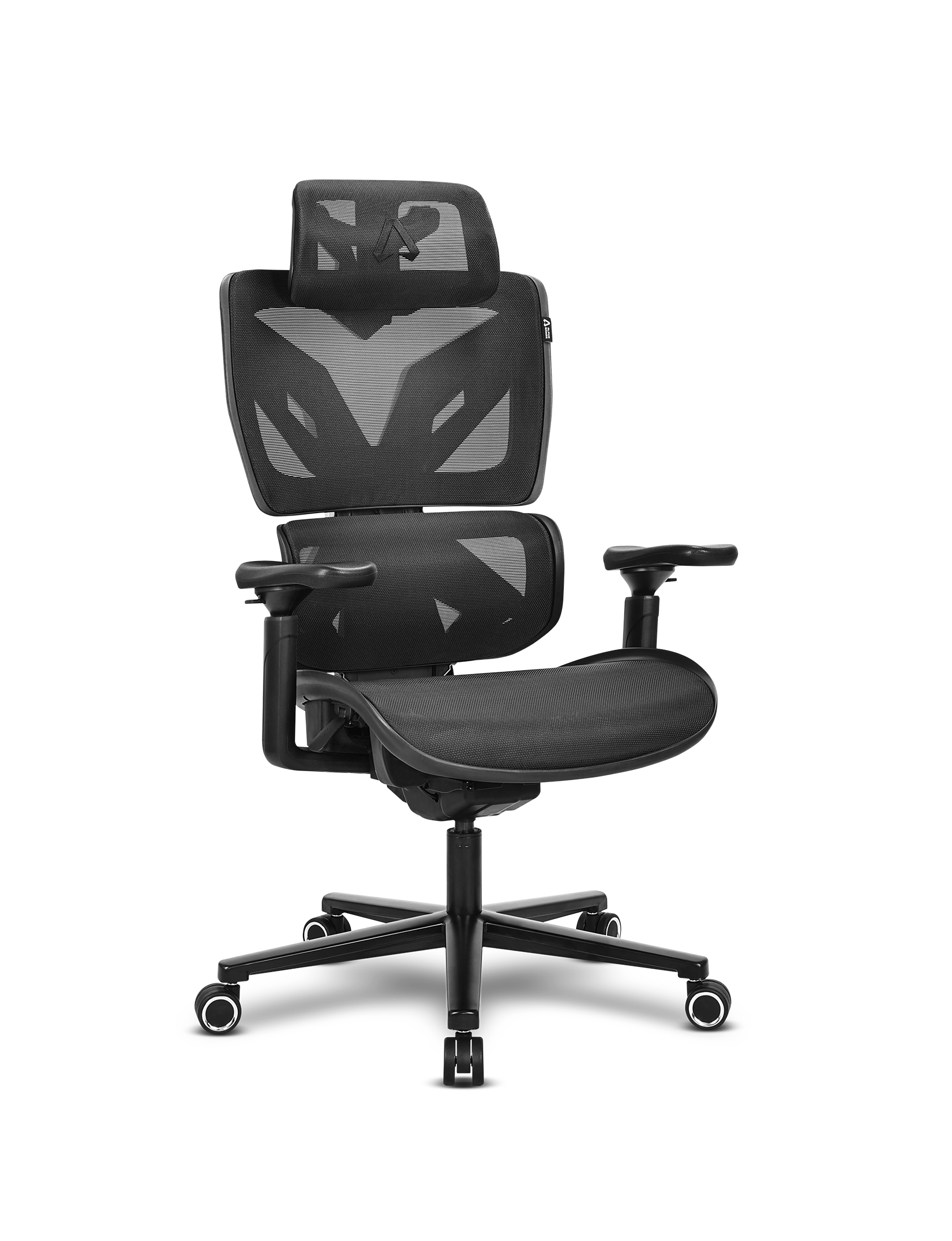
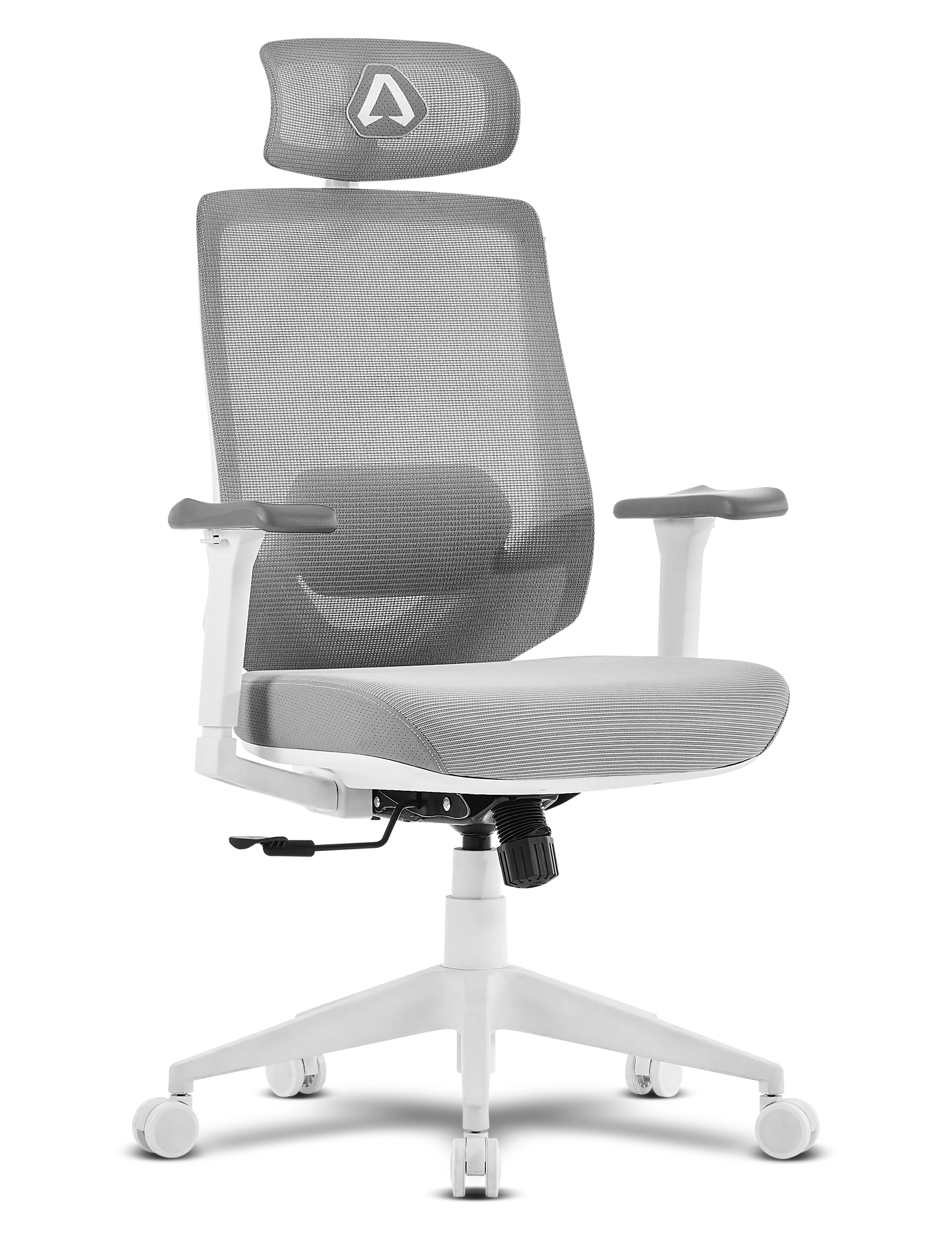
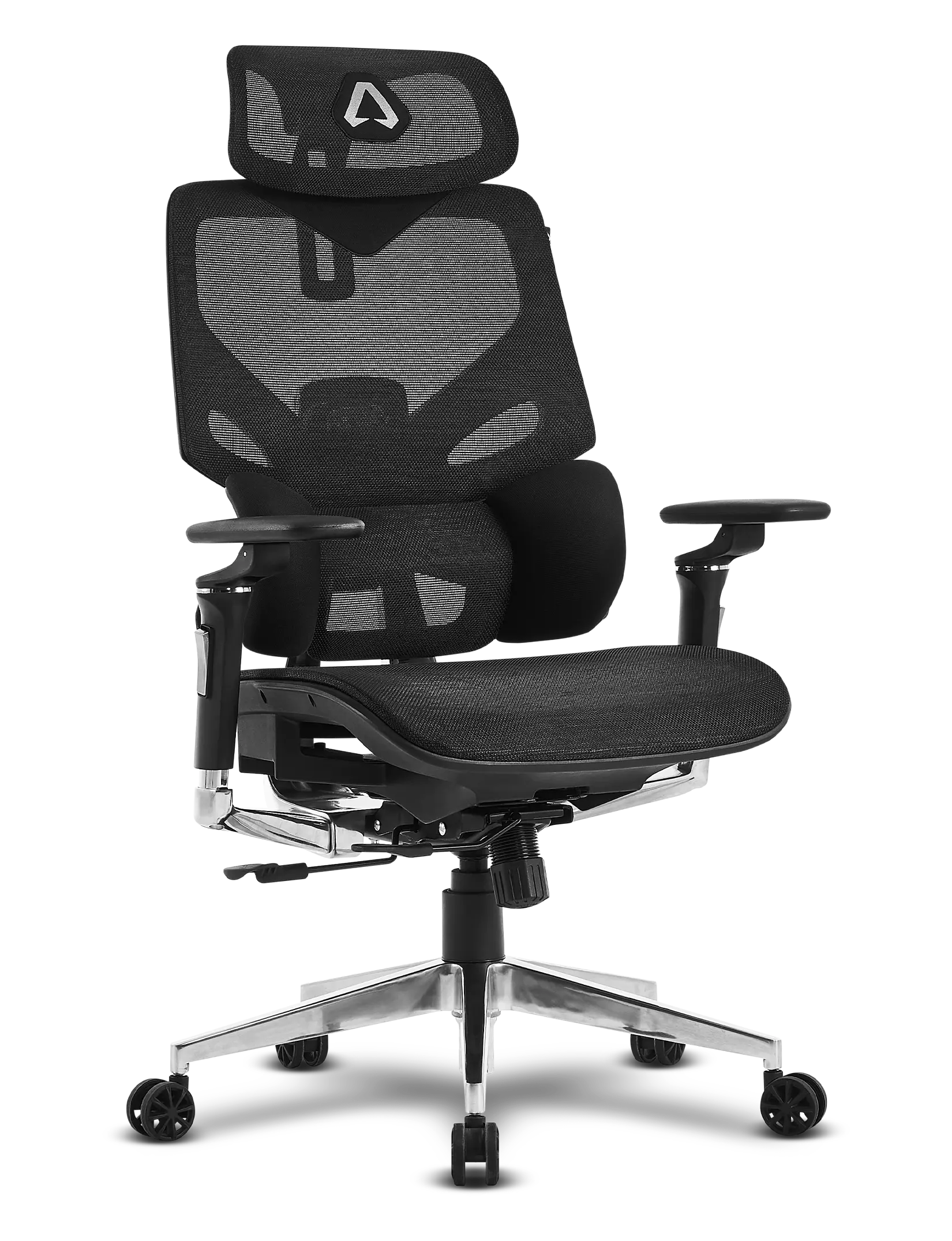

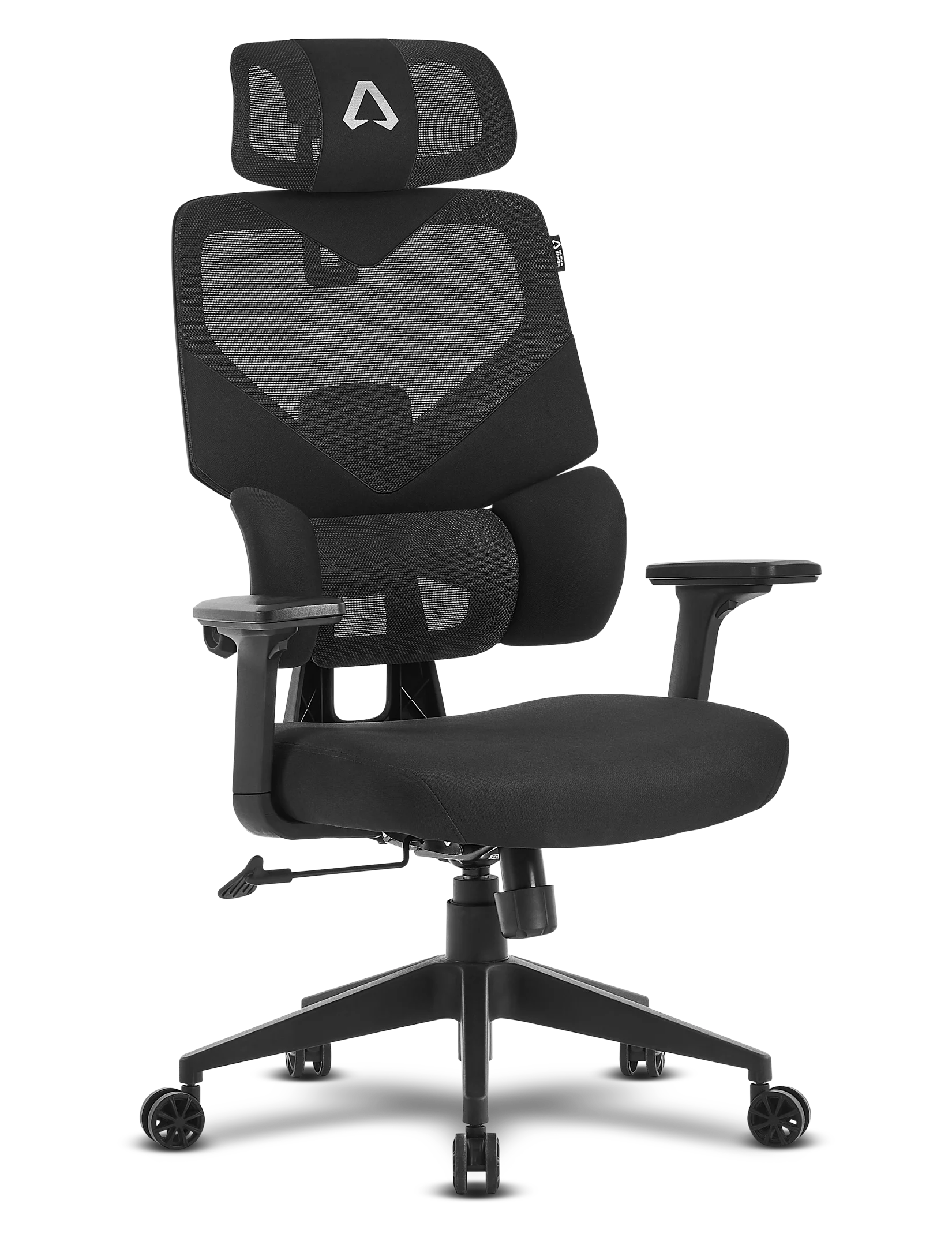


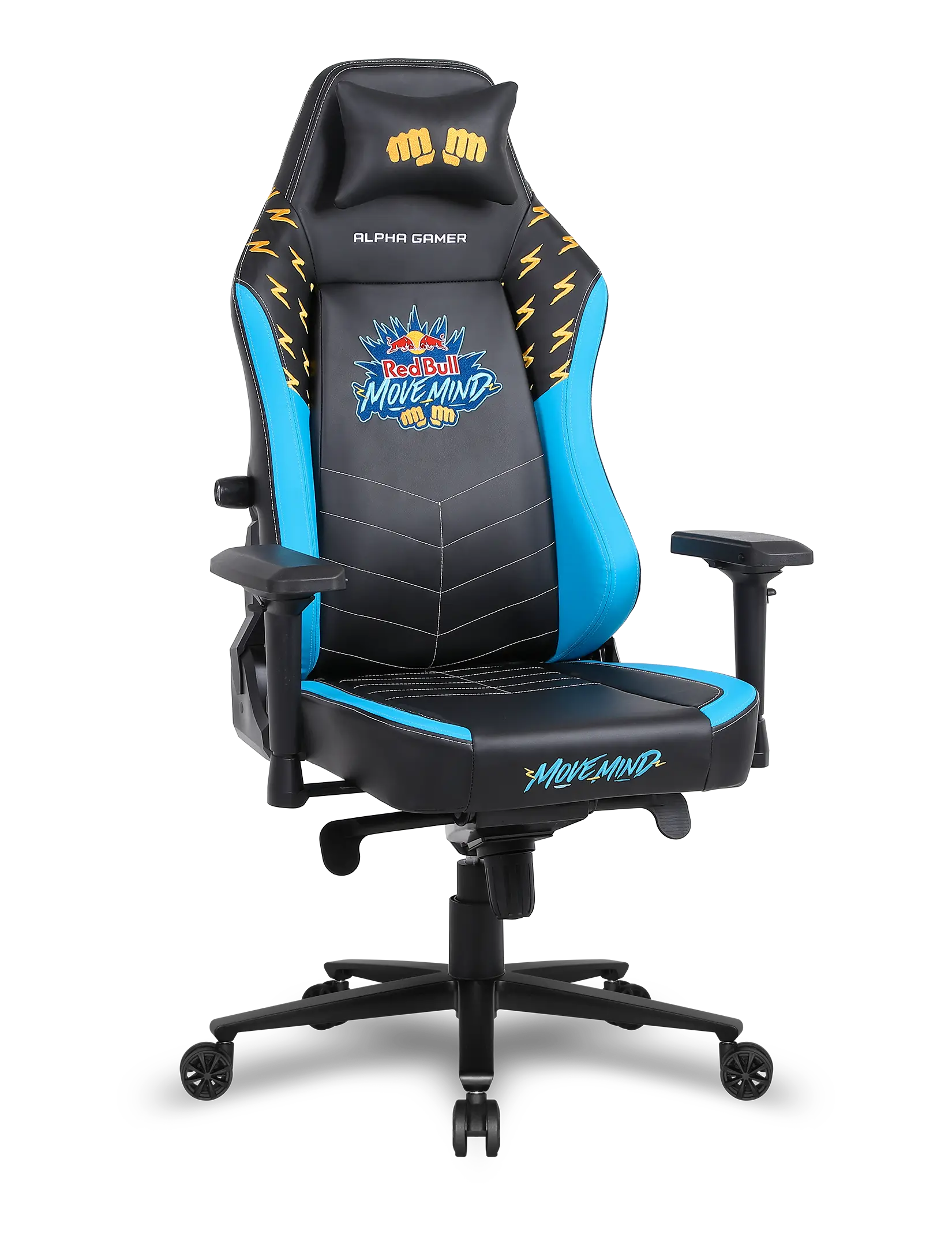

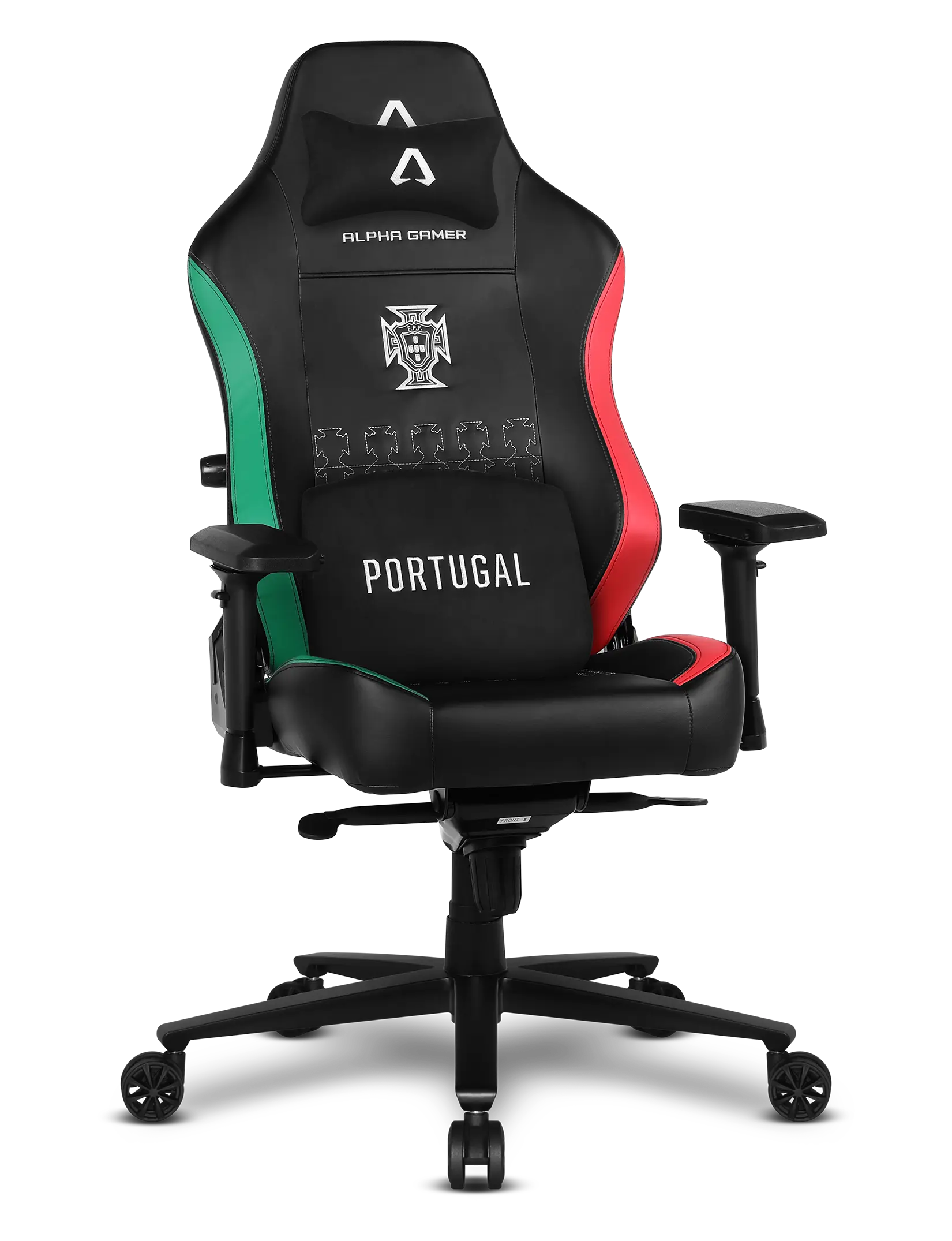

The Alpha Gamer Tide was designed to provide continuous ergonomic comfort and natural adaptation to your body. Discover how to adjust each feature of the chair to find your ideal posture and maintain comfort throughout the day.
0:00
0:00
Adjustable Headrest
Adjust the height, rotation, and depth of the headrest to properly align your neck and reduce strain during long sessions.
0:00
0:00
Extra support for maximum comfort
Extend the retractable footrest to fully relax and relieve pressure on your legs during breaks or rest periods.
Adjust to your ideal position
Learn how to set up the key adjustments of your Alpha Gamer Tide to find the perfect fit. From backrest height to seat position, each adjustment helps align your body and enhance comfort.
0:00
0:00
Backrest height adjustment
Adjust the backrest height to align the support with the natural curve of your spine and promote healthier posture.
0:00
0:00
Seat height adjustment
Raise or lower the seat to keep your feet firmly on the floor and your knees at a comfortable angle.
0:00
0:00
Seat slider
Slide the seat forward or backward to find the ideal fit and improve leg support.
0:00
0:00
Smooth recline for different moments
Tilt the backrest to switch between more focused or relaxed positions, while always maintaining proper spine support.
0:00
0:00
Movement resistance adjustment
Control the force required to recline the backrest, adjusting the movement to your weight and preference for a more balanced experience.