
FAQ
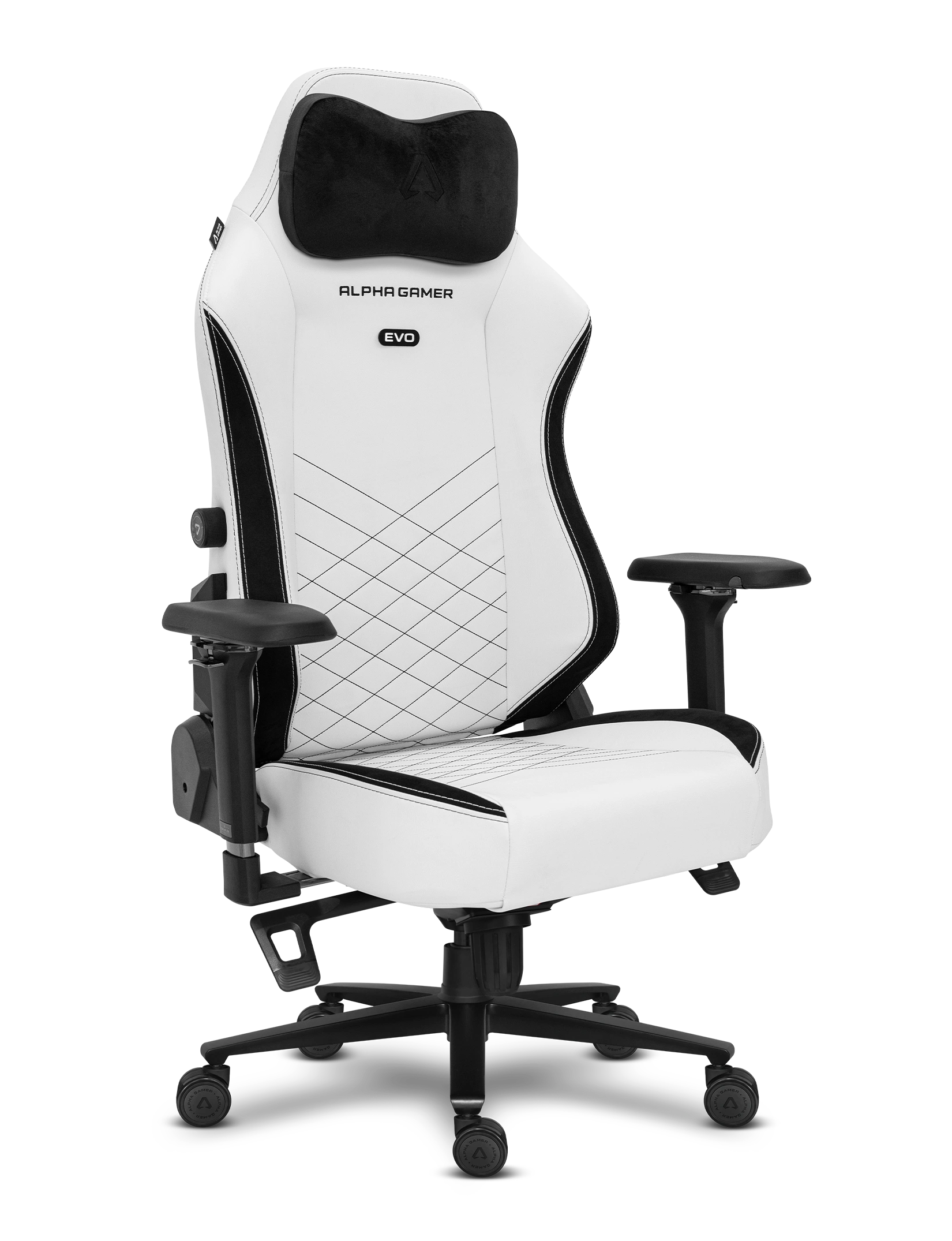
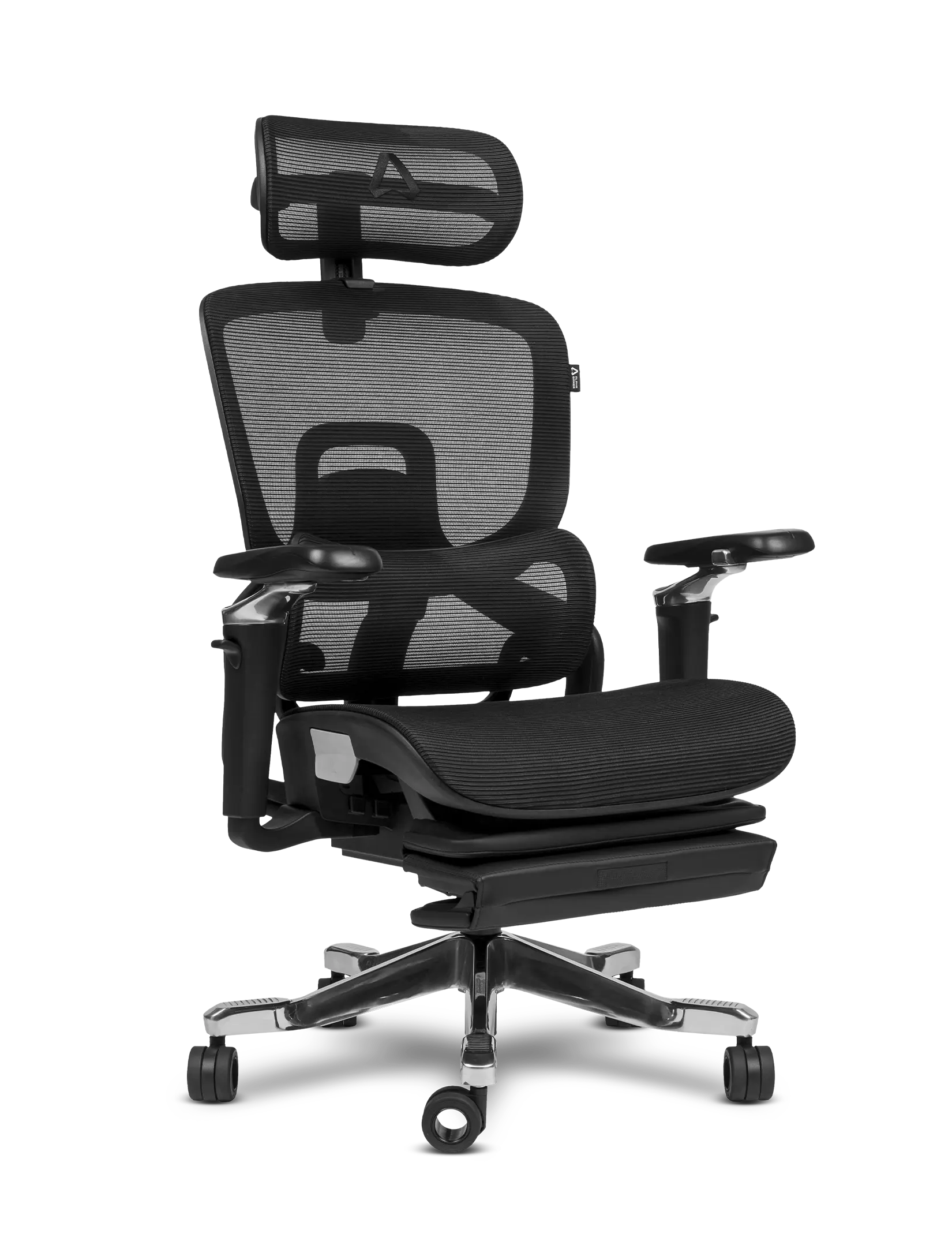
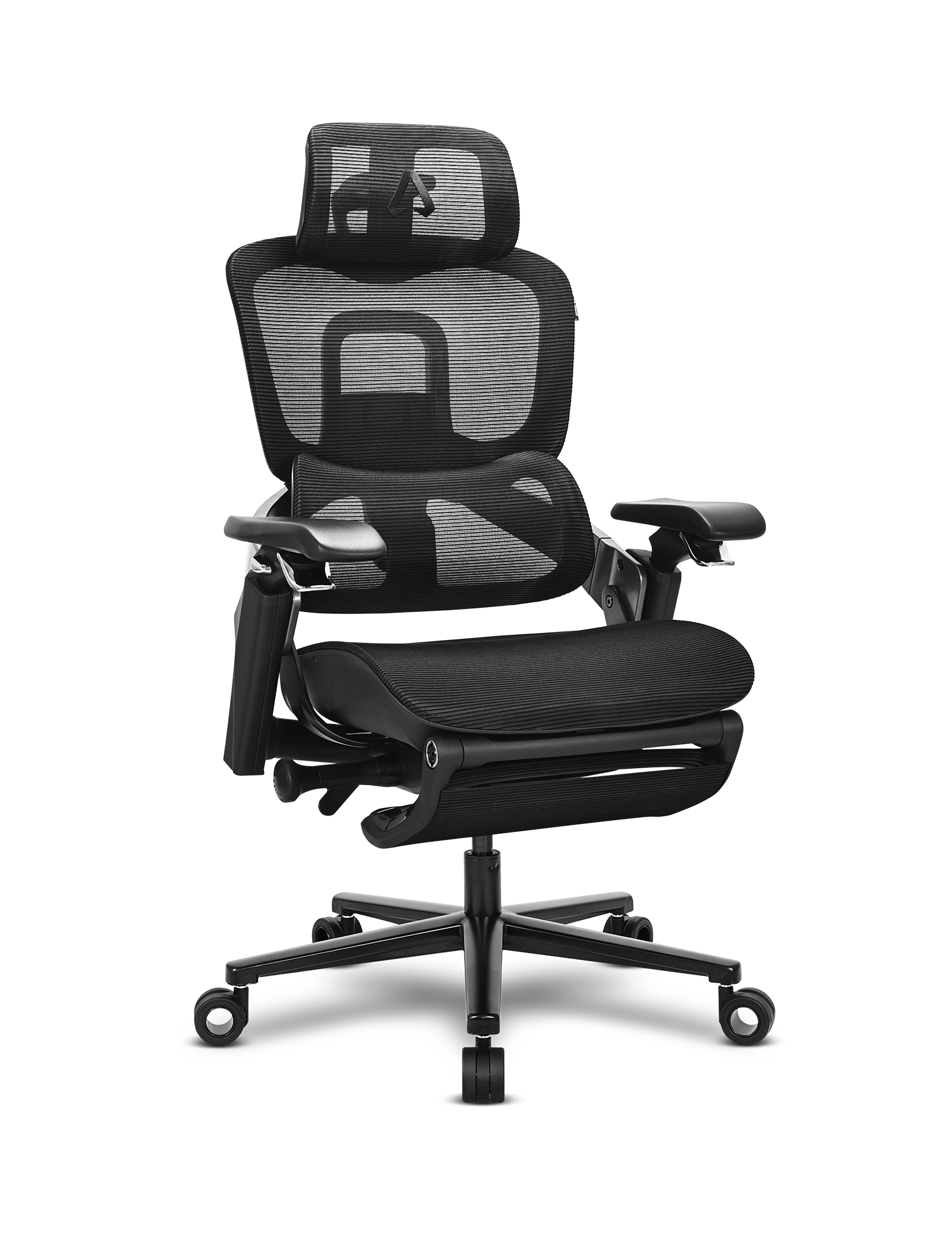
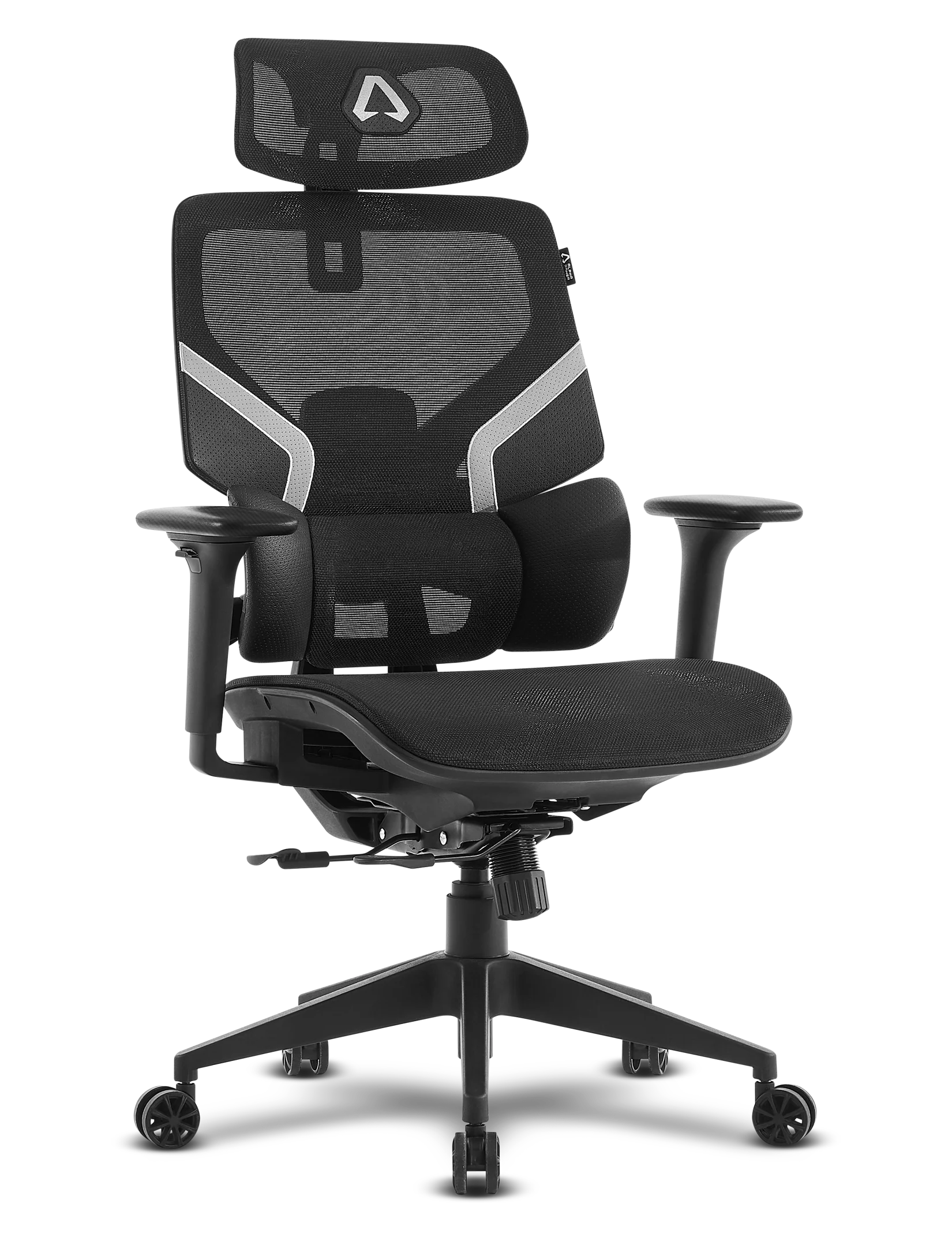
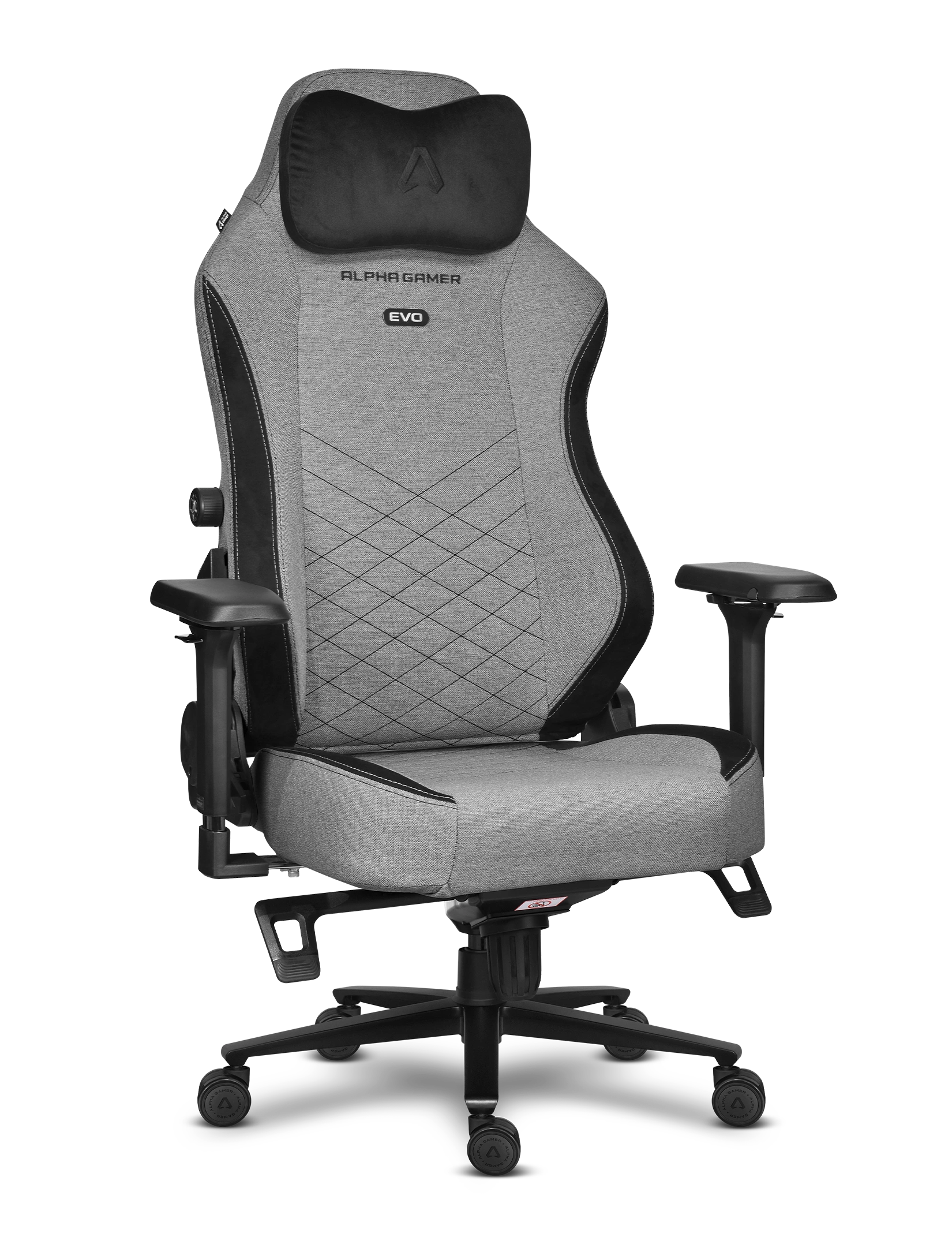

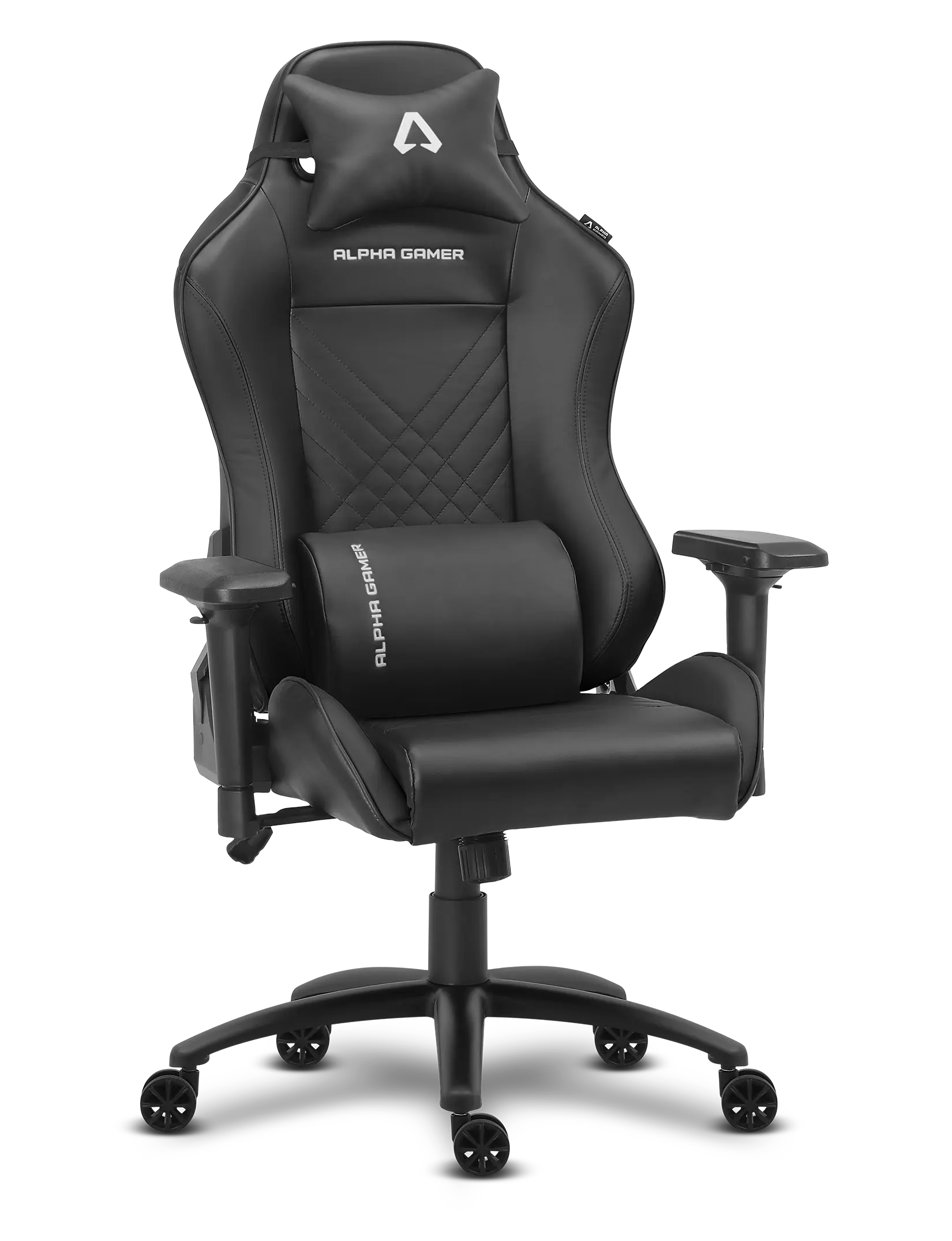
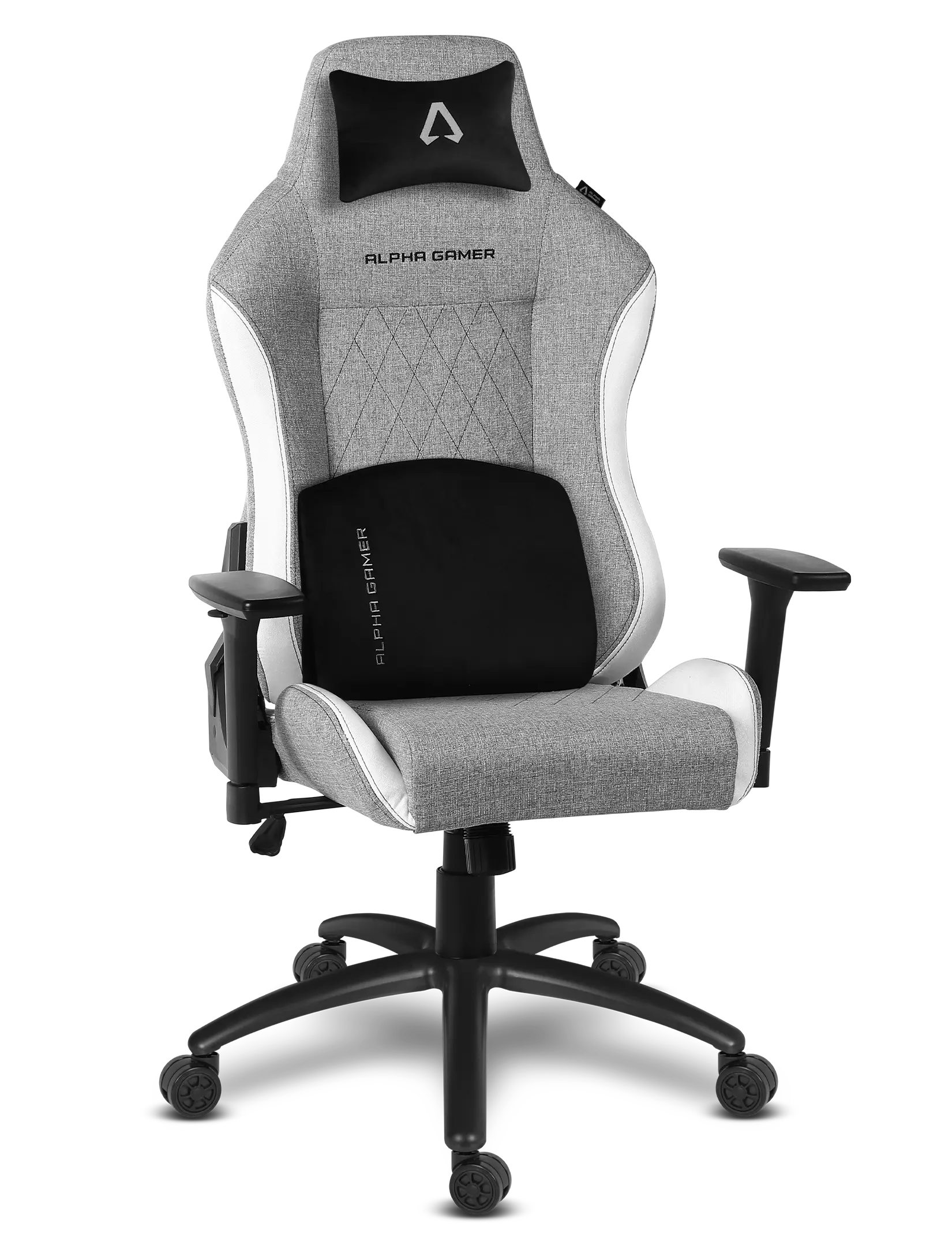
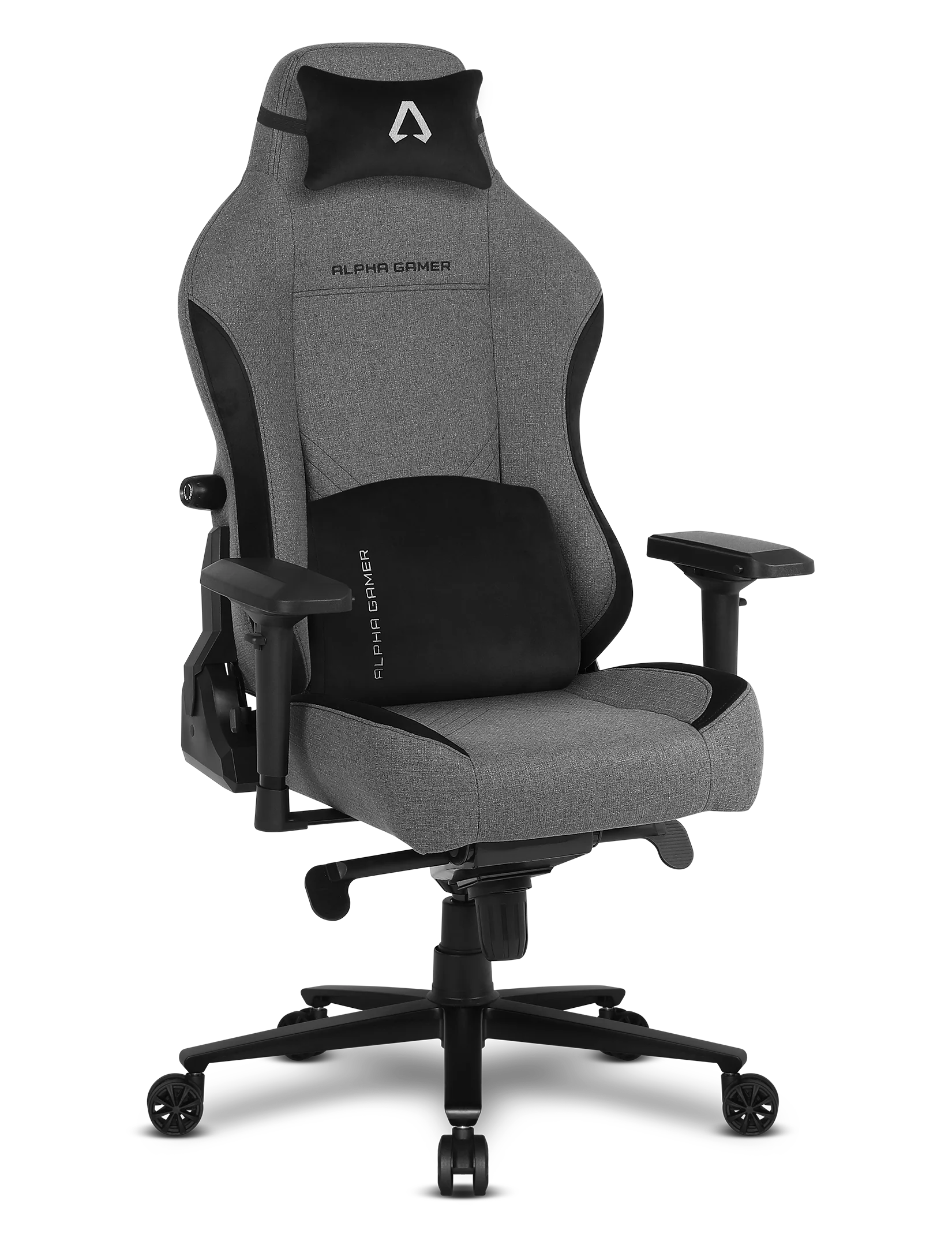
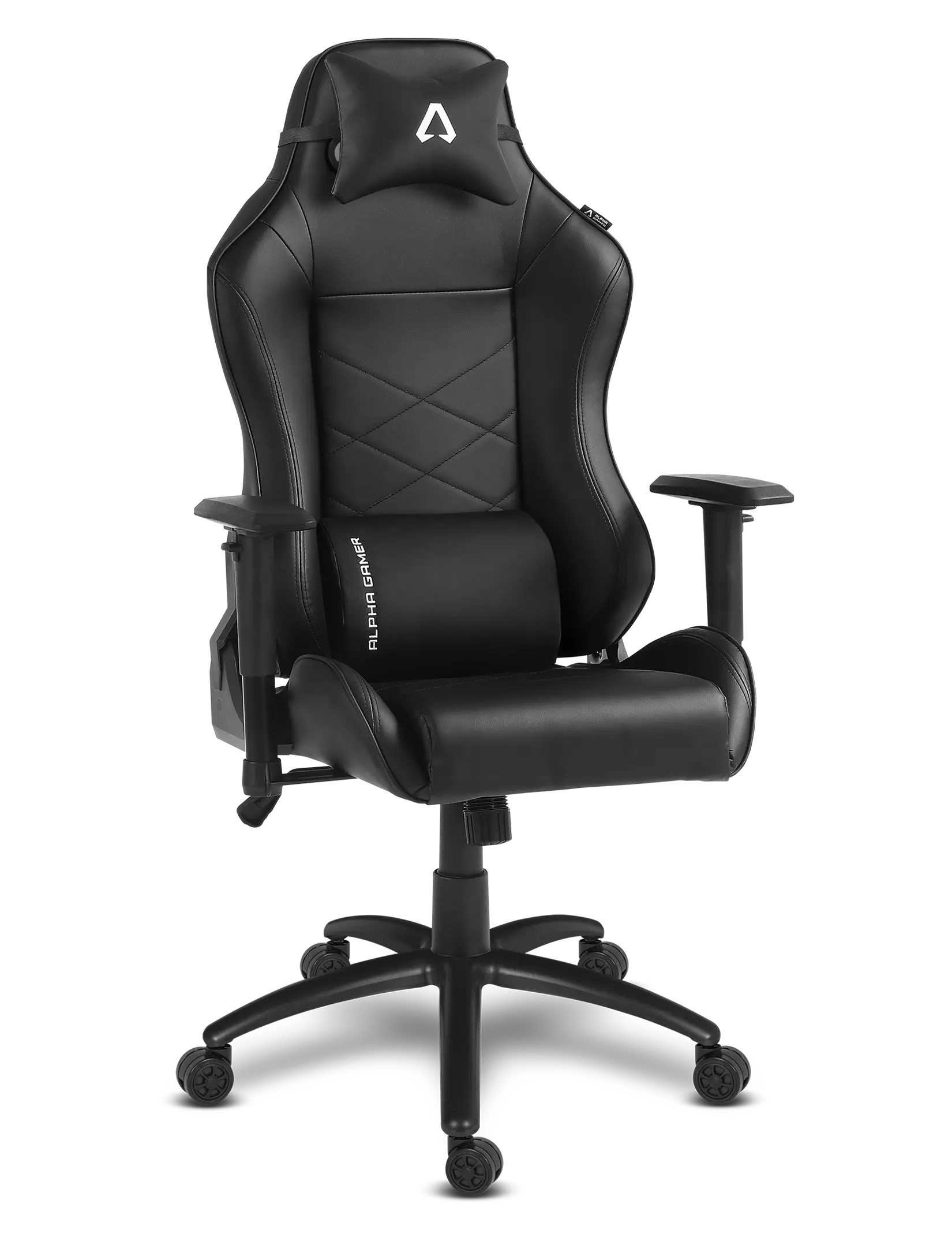
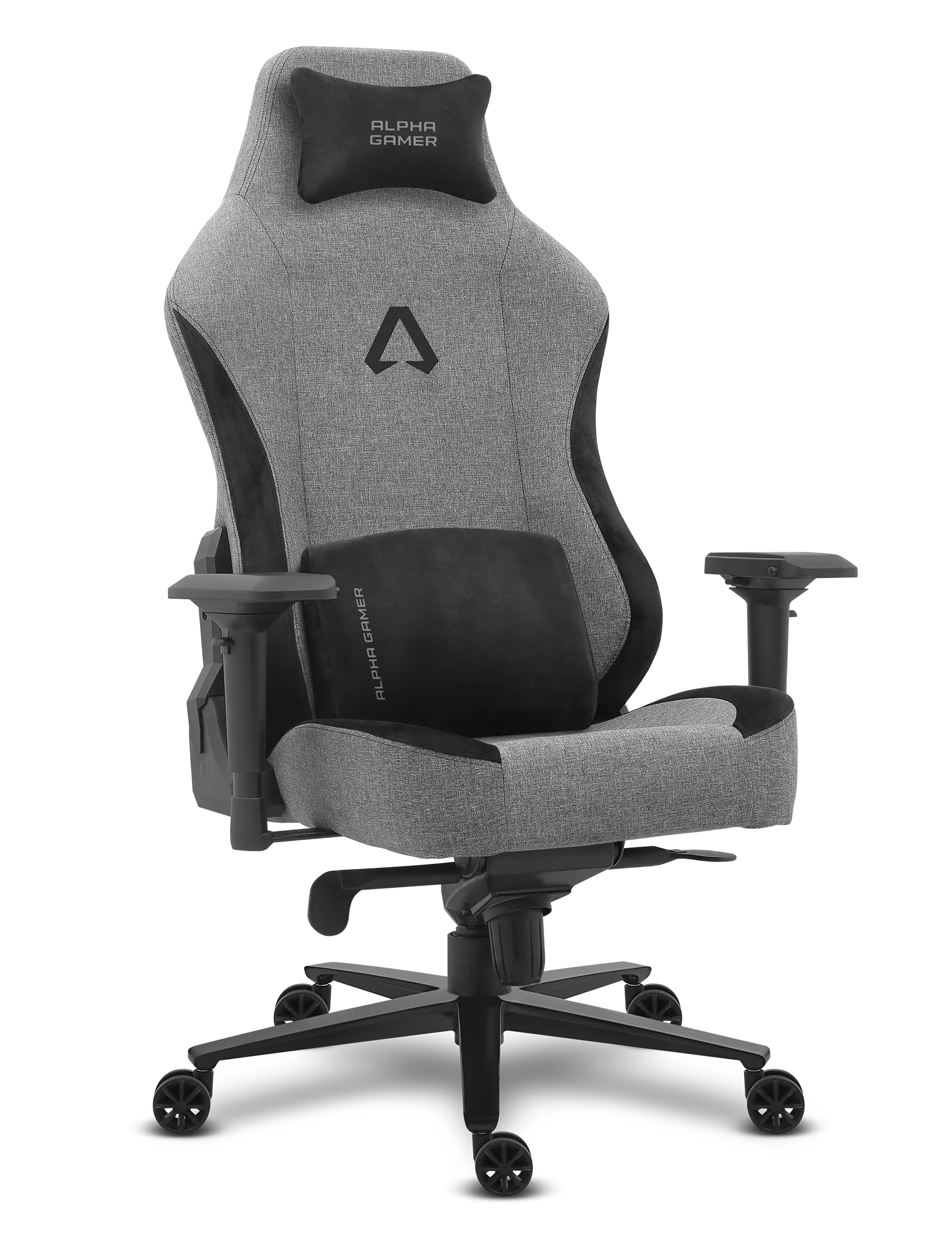
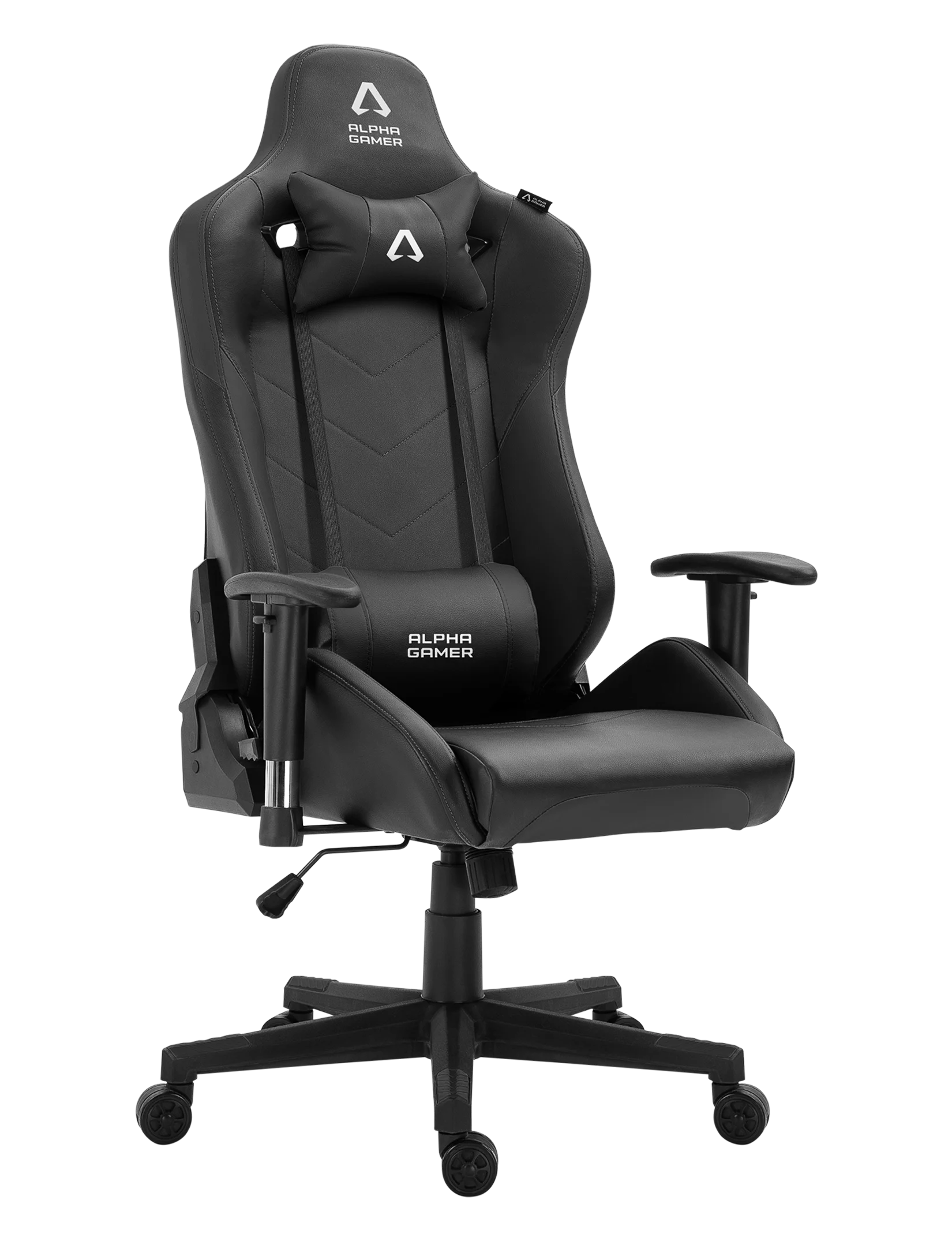
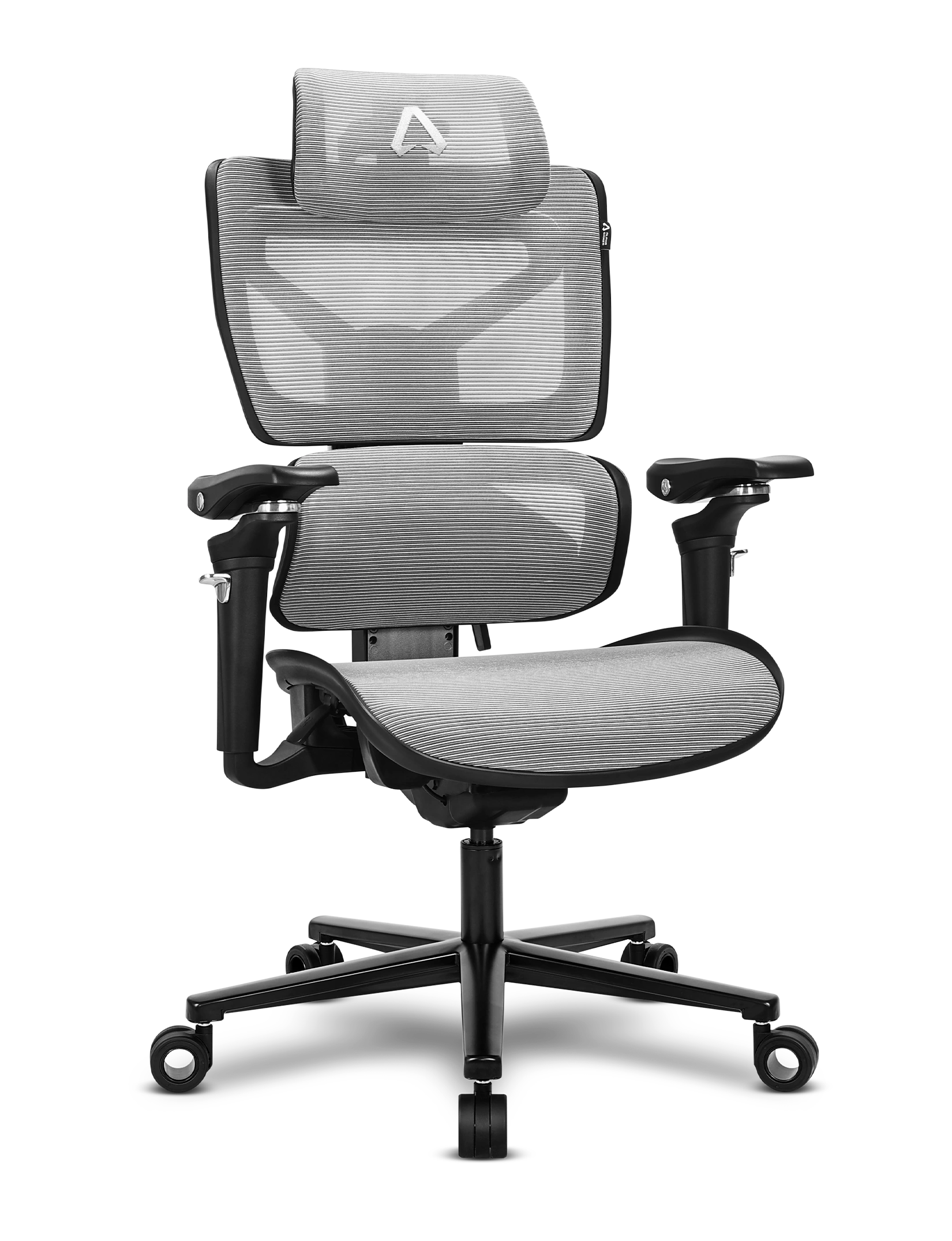
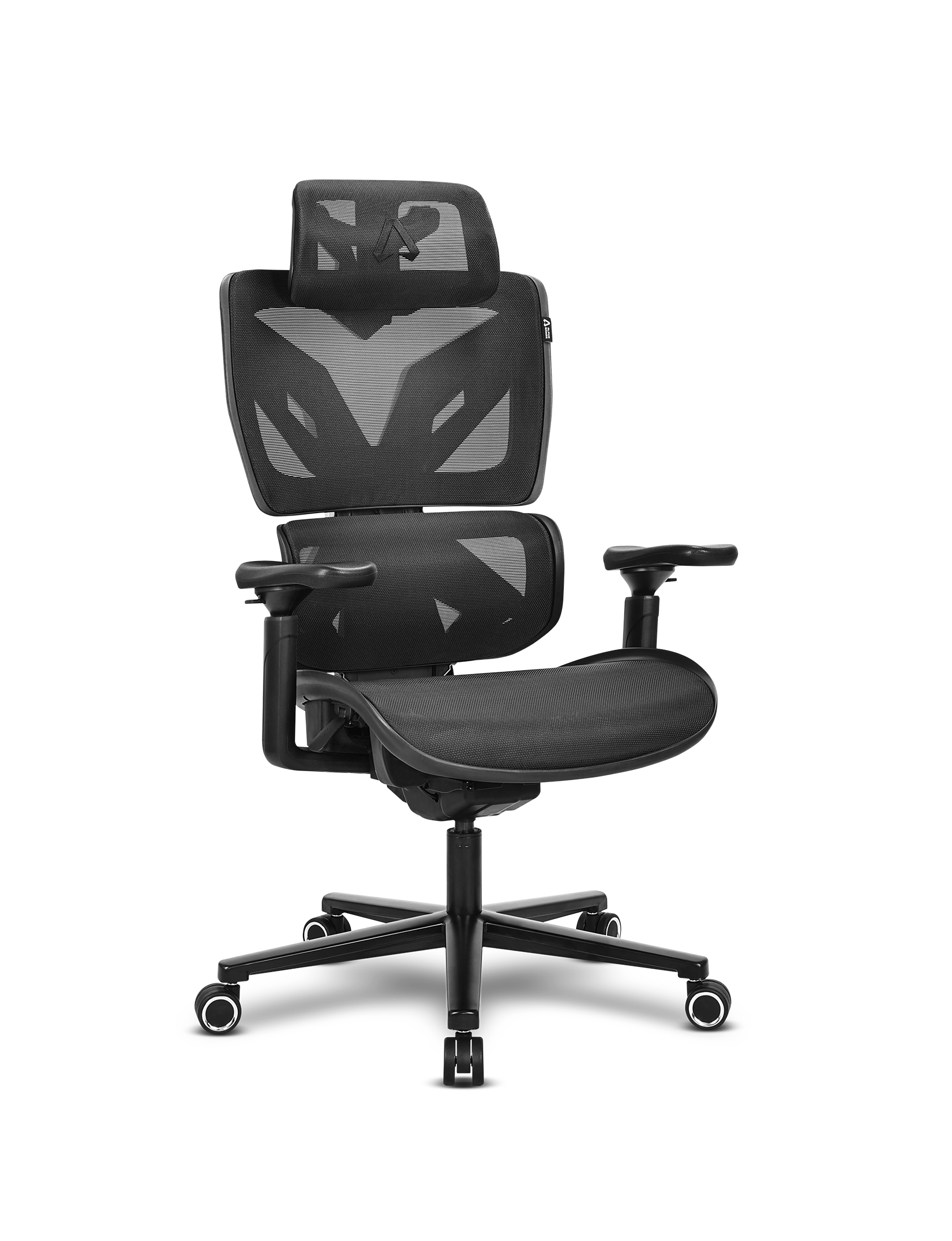
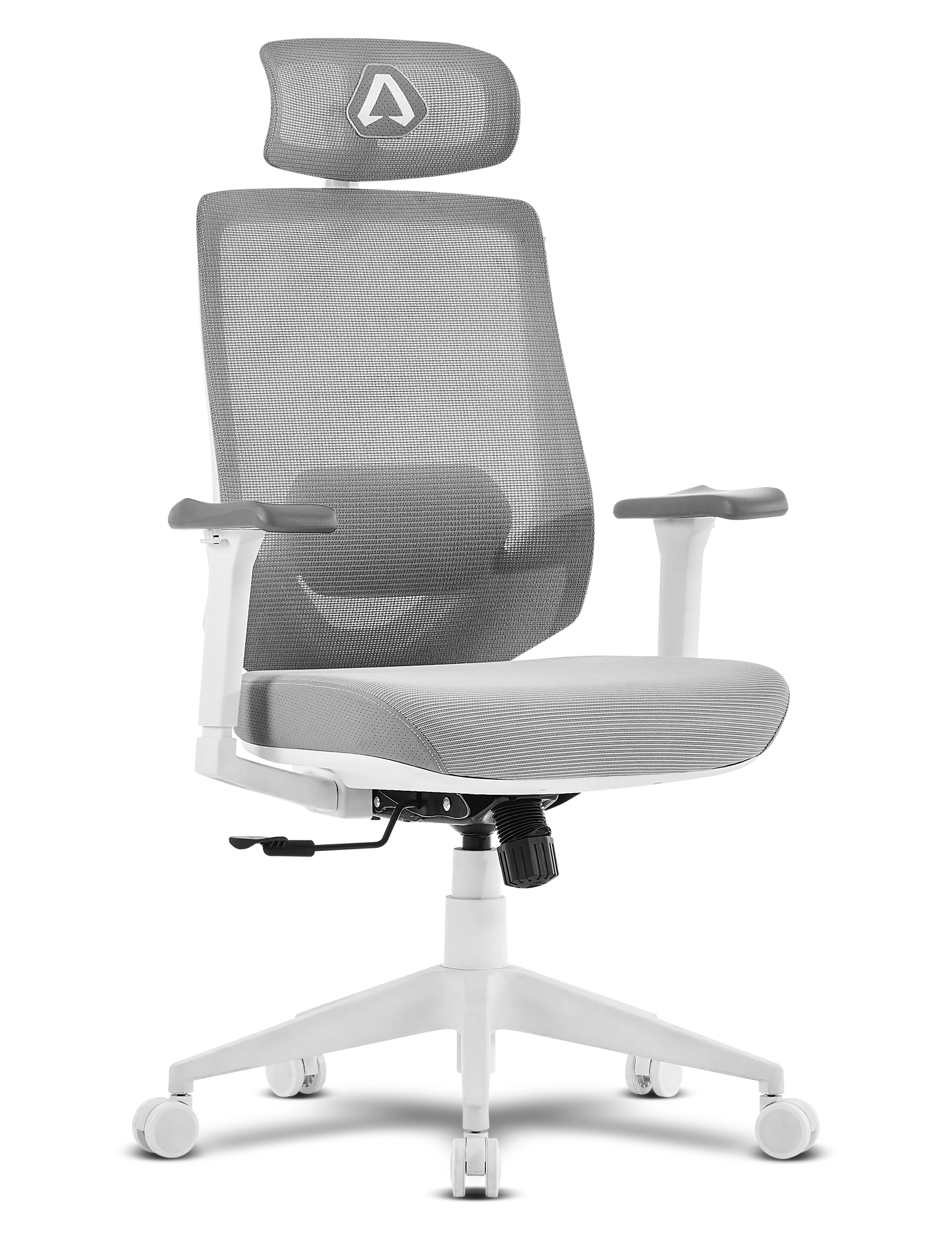
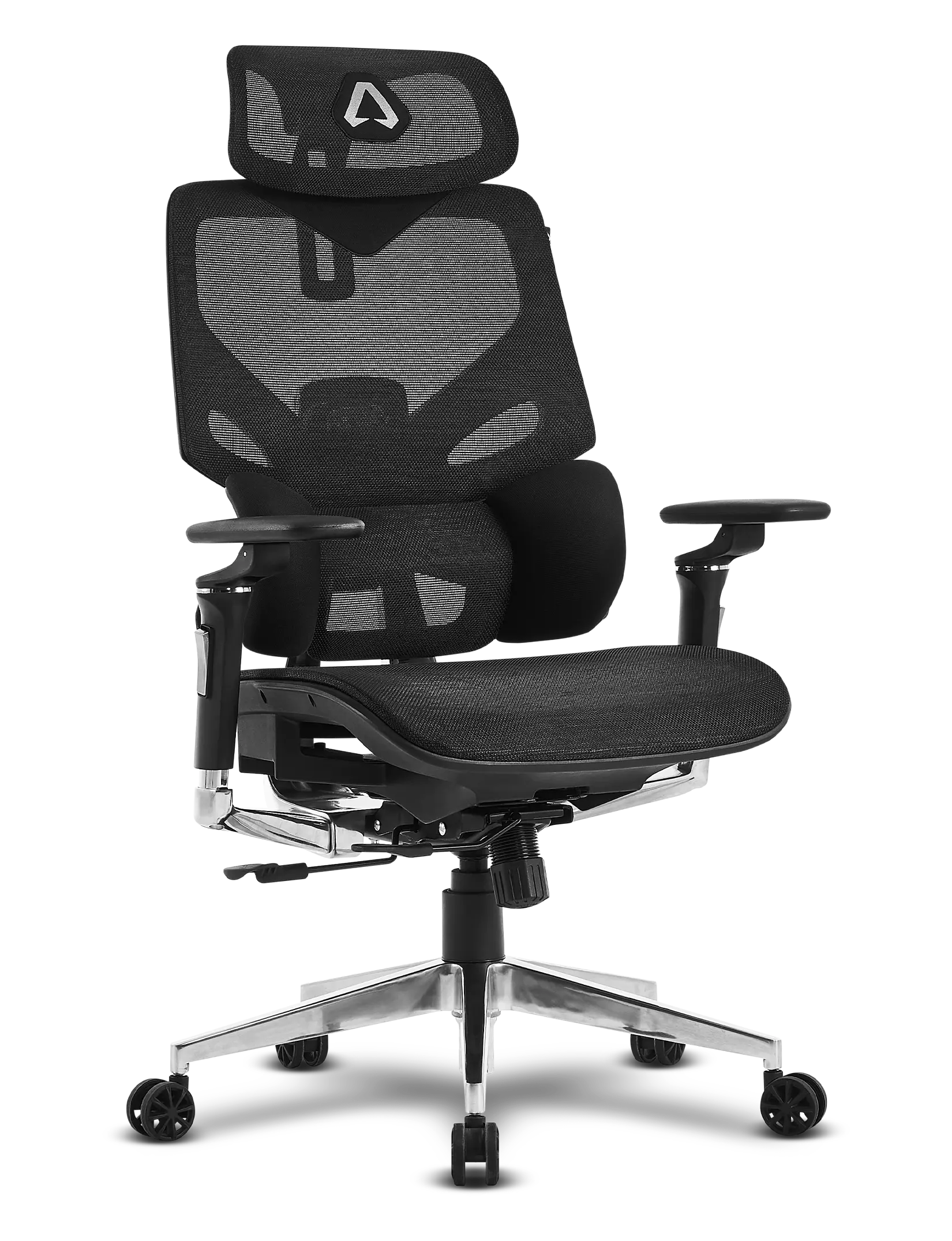

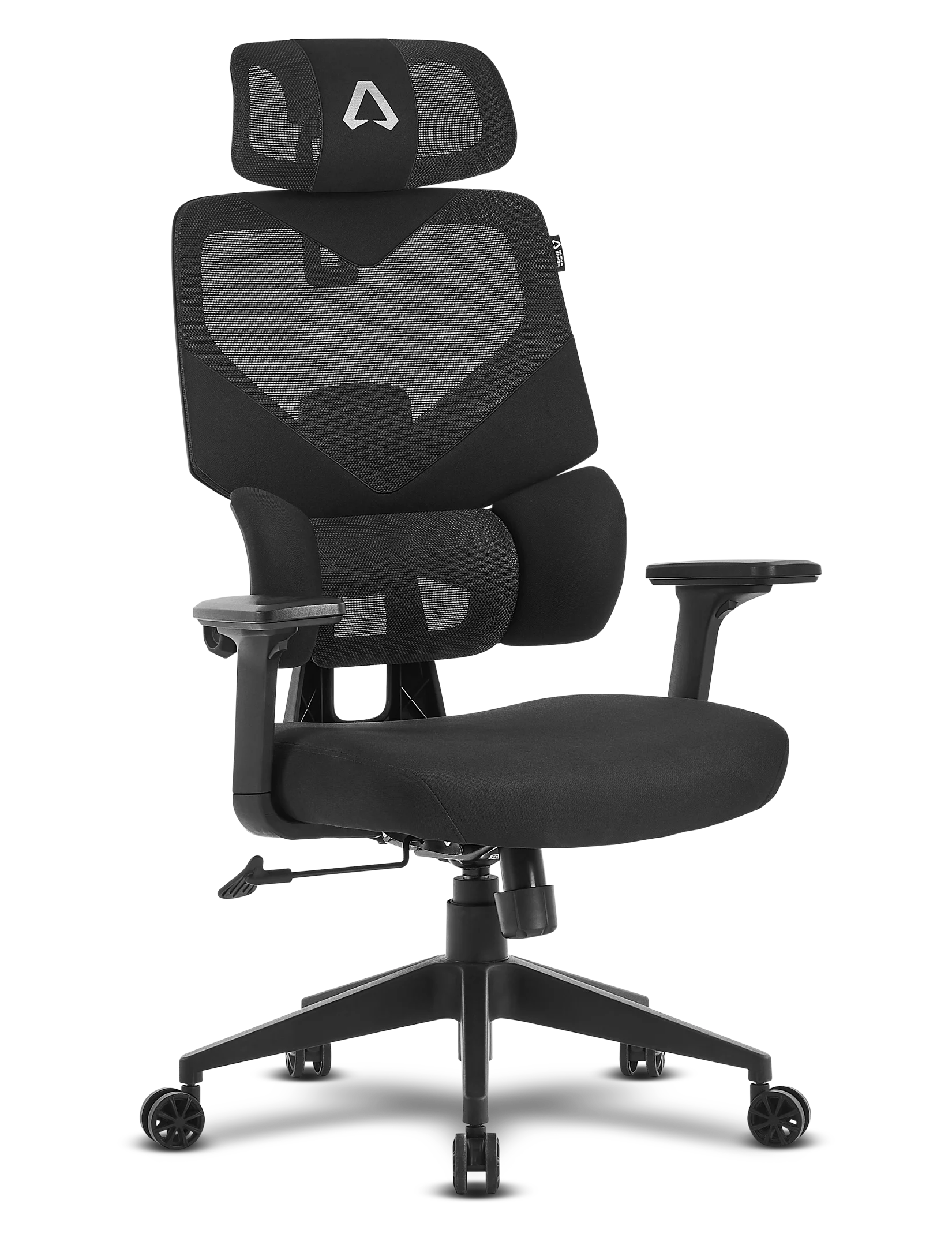


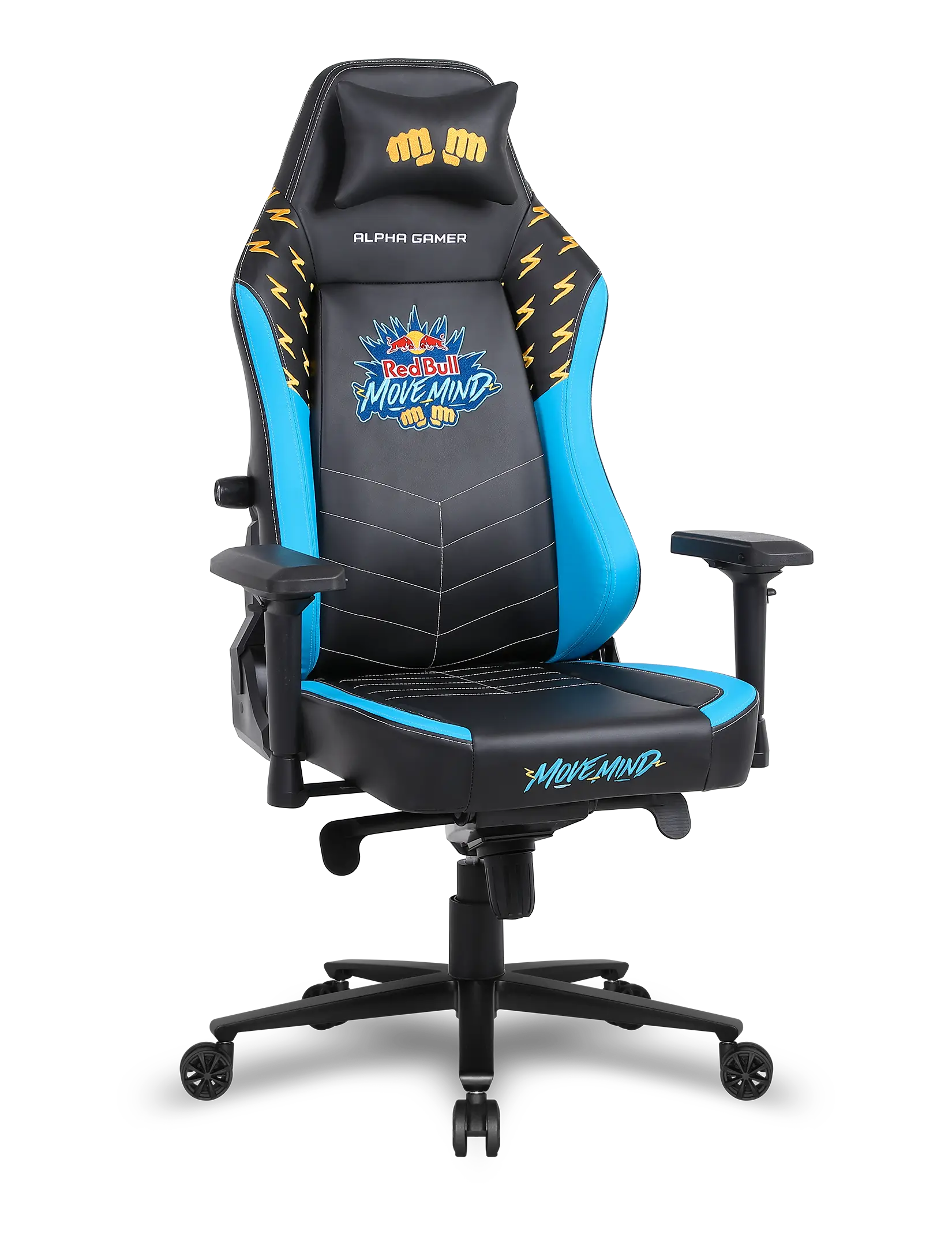

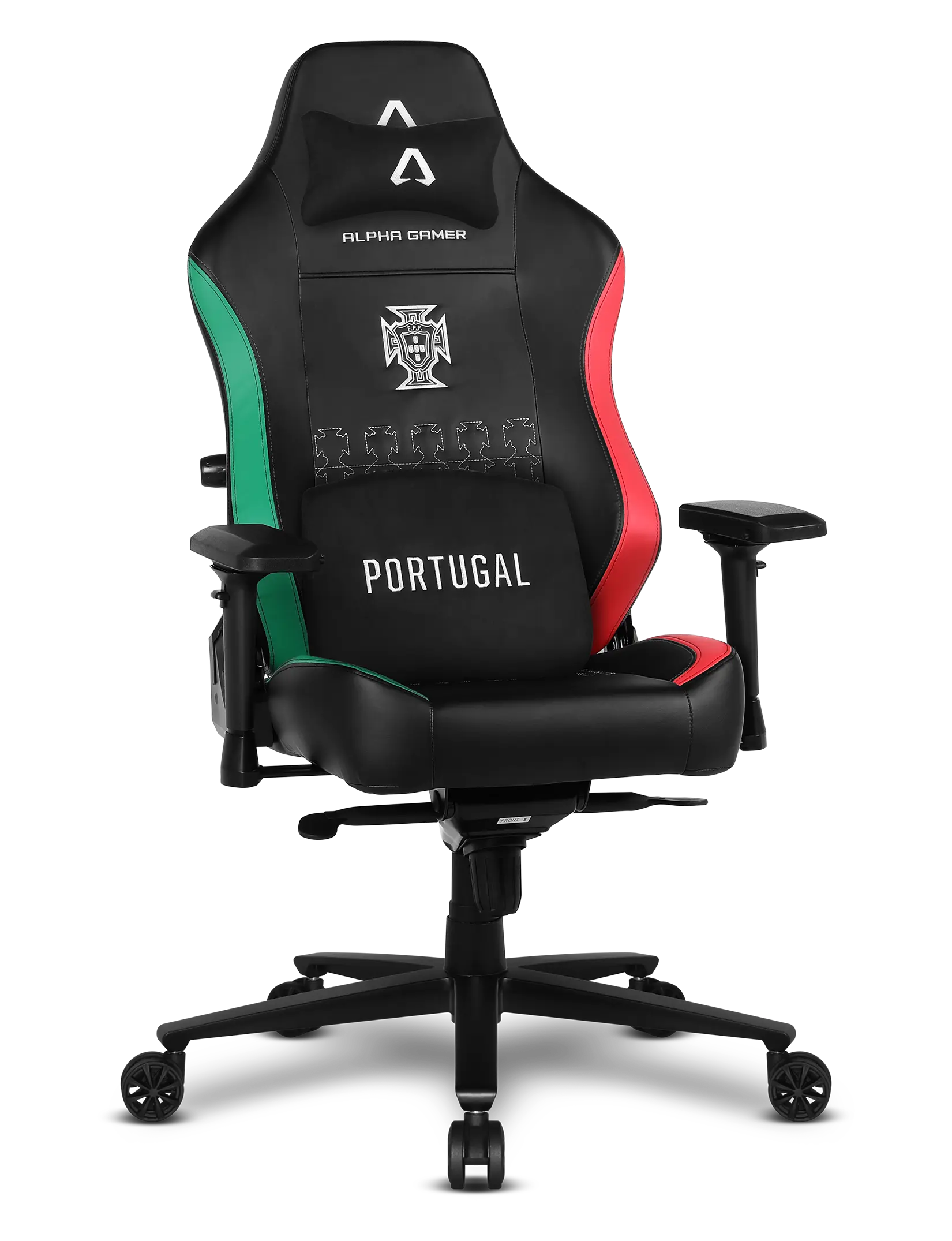

The Alpha Gamer Wave was designed to provide dynamic ergonomics and natural movement. Every element of the chair can be adjusted to fit your body and usage style, whether for work, gaming, or relaxation. Learn below how to make the most of each feature.
0:00
0:00
Ergonomic multi-adjustable headrest
Adjust the height, rotation, and depth of the headrest to ensure optimal neck support. This adjustment helps reduce cervical strain and improves comfort during long work or gaming sessions.
0:00
0:00
Backrest with dynamic recline
The backrest adapts to your movements and allows you to choose between more upright positions for productivity or more reclined positions for relaxation. The synchronized movement between the backrest and seat keeps your spine aligned and reduces lumbar pressure.
Adjust your ideal posture
Learn how to set up your Alpha Gamer Wave to achieve the best possible posture. From seat height and depth to backrest height, every adjustment is designed to ensure ergonomic support and all-day comfort.
0:00
0:00
Seat height adjustment
Use the Class 4 gas lift to easily adjust the chair’s height. The ideal position keeps your feet firmly on the floor and your knees at a comfortable angle, promoting balanced posture.
0:00
0:00
Depth adjustment
Slide the seat forward or backward to find the perfect support for your thighs. This adjustment improves circulation and ensures the chair adapts to different heights and body types.
0:00
0:00
Backrest height adjustment
Adjust the backrest height to align the lumbar support with the natural curve of your spine. This ensures better posture and all-day comfort.
0:00
0:00
3D Armrests
The armrests can be adjusted in height, depth, and rotation to perfectly suit your posture. This flexibility helps reduce tension in the shoulders, elbows, and wrists, providing greater comfort during extended use.